WEBSITE BUILDER GUIDE
7 easiest website builders for beginners in 2026
The best website builder for a beginner should make it easy to publish, edit, and maintain a professional site without coding. We compared seven popular options by setup difficulty, design freedom, business tools, value, and how well each one fits a specific type of website.
THE SHORT ANSWER
Which website builder should a beginner choose?
Choose Wix if you want the safest all-round option. Choose Hostinger if you want an affordable, guided route to a business website. Choose Squarespace when visual polish matters most, or Shopify when selling products is the main purpose. For a small one-page project, Canva or Carrd may be all you need.
Best website builders for beginners at a glance
Free plans, trials, features, and prices can change by region. Confirm the current terms on the provider’s website before subscribing.
How we evaluated the easiest website builders
“Easy” should mean more than producing a homepage quickly. A beginner also needs to connect a domain, add pages, update content, understand basic SEO settings, and get help when something goes wrong. We therefore considered the full path from initial setup to routine maintenance.
Setup and editing
Guided onboarding, templates, AI assistance, clear menus, and the effort required to make everyday changes.
Design control
Enough freedom to create a distinctive site without making the editor confusing or easy to break.
Growth and SEO
Custom domains, mobile layouts, page settings, analytics, marketing tools, and room to add useful features.
Value for the right user
The total package, plan restrictions, renewal considerations, and whether a simpler or specialist option offers better value.
1. BEST OVERALL
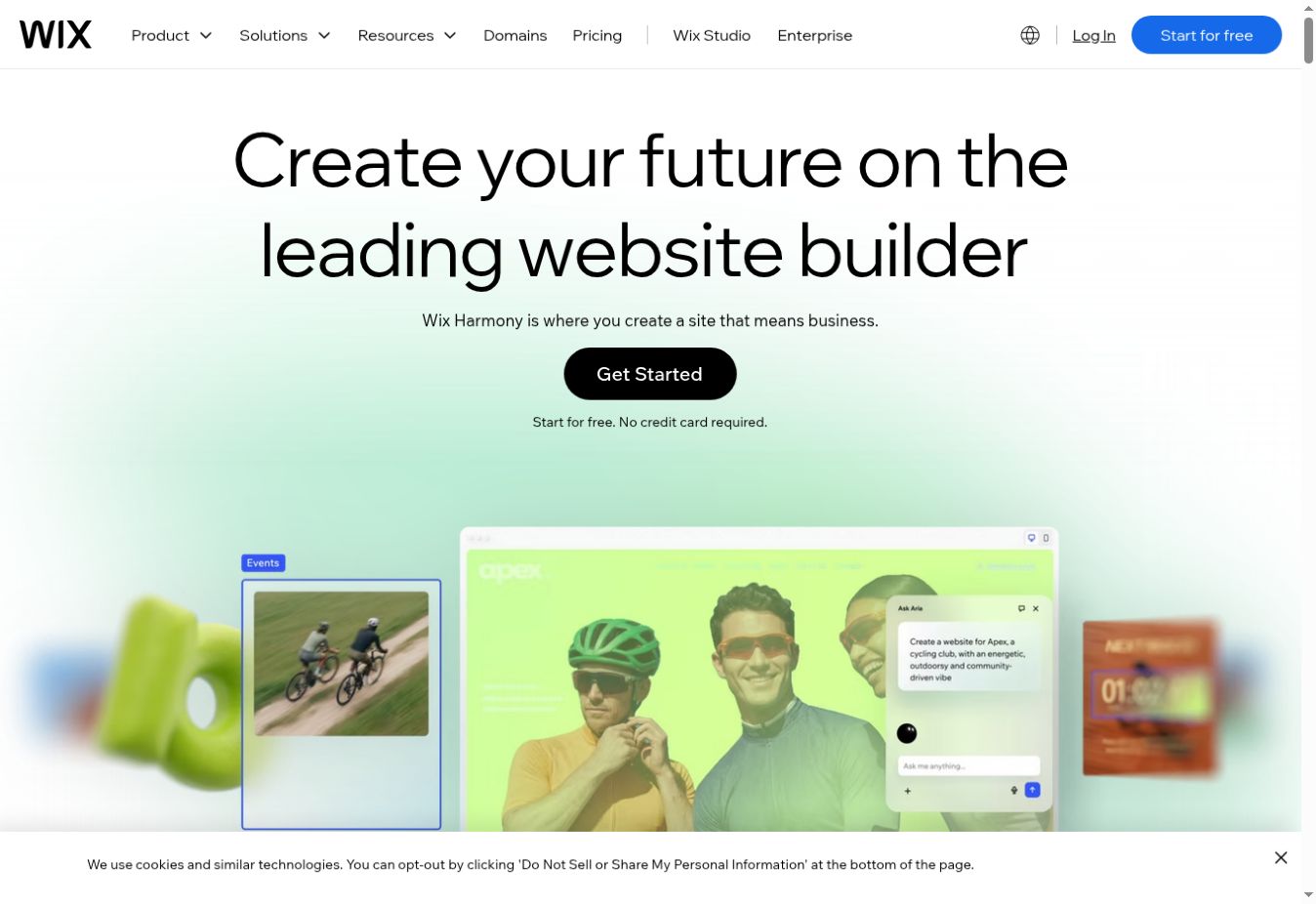
Wix: the best website builder for most beginners
Wix offers one of the broadest combinations of guided creation and hands-on control. A beginner can start with a template or an AI-assisted setup, then edit text, images, sections, and layouts visually. It also includes options for blogs, appointments, online stores, portfolios, forms, and other common business needs.
Its main strength is flexibility. You are less likely to outgrow Wix after creating a basic site because you can add business features and integrations later. That flexibility is also the main drawback: the editor contains more choices than simpler builders, and a new user may need time to learn where everything lives.
- Best fit: small businesses, portfolios, service providers, and general-purpose websites
- Why beginners like it: templates, guided setup, visual editing, and a permanent free plan for testing
- Consider first: free sites use Wix branding and a provider address; paid plans and apps can increase the total cost
Read our complete Wix review for its plans, SEO, ecommerce, advantages, and limitations.
2. BEST AFFORDABLE ALL-IN-ONE
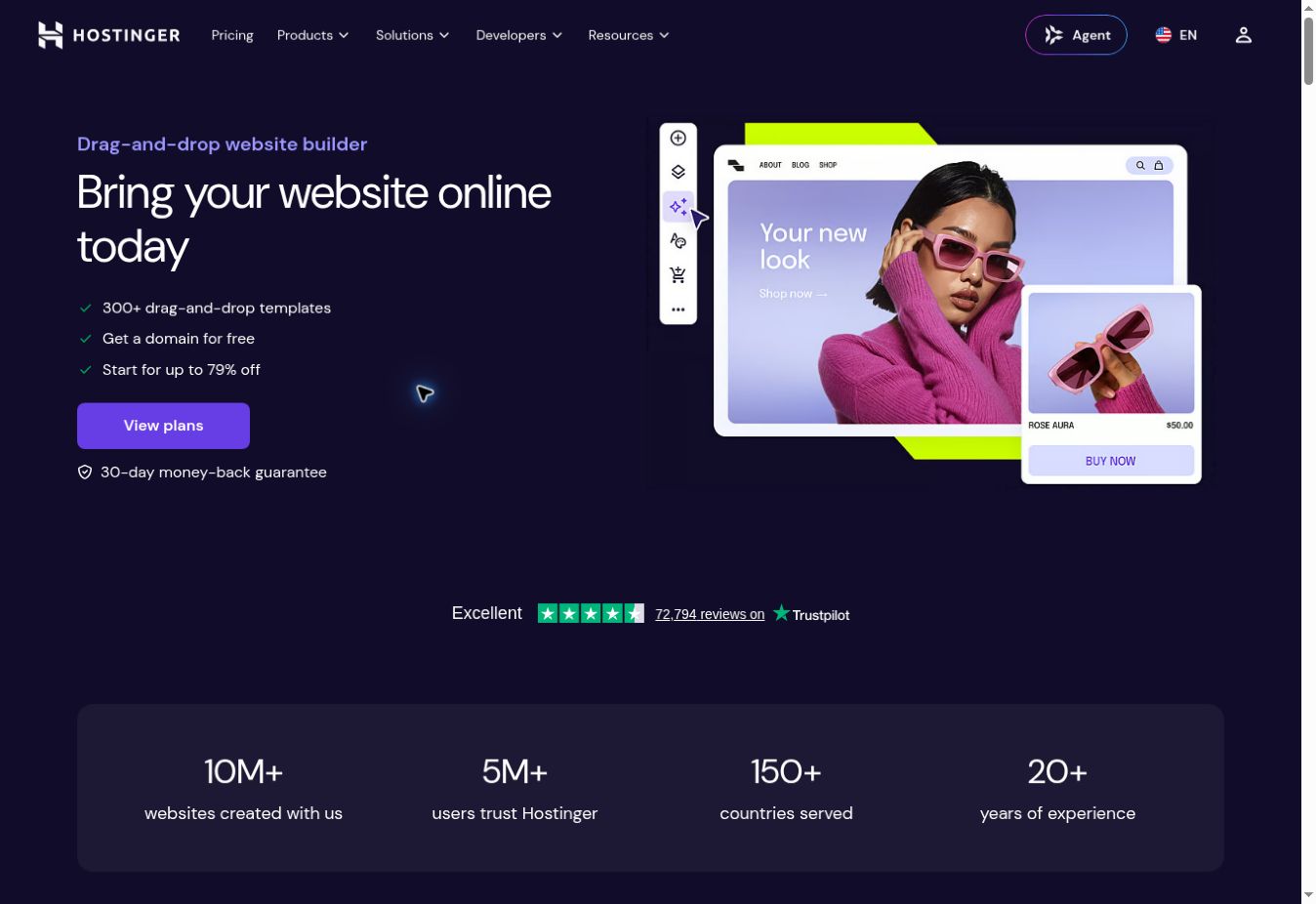
Hostinger Website Builder: simple setup and strong value
Hostinger is a practical choice when you want the website builder, hosting, SSL, domain management, and support in one account. Its guided workflow and AI-assisted tools can turn a short business description into a starting layout, while the visual editor handles normal page changes without code.
The trade-off is flexibility. Hostinger is streamlined compared with Wix, which makes it easier to learn but gives advanced users fewer ways to extend a complex site. You should also calculate the full first-term payment and the renewal cost rather than judging the plan only by its advertised monthly rate.
- Best fit: first business websites, portfolios, blogs, and simple online stores
- Why beginners like it: fewer technical decisions and a straightforward account dashboard
- Consider first: introductory offers, billing terms, renewal pricing, and plan limits vary
For a closer look at the company’s hosting service, read our complete Hostinger review.
3. BEST FOR VISUAL DESIGN
Squarespace: polished templates with helpful design guardrails
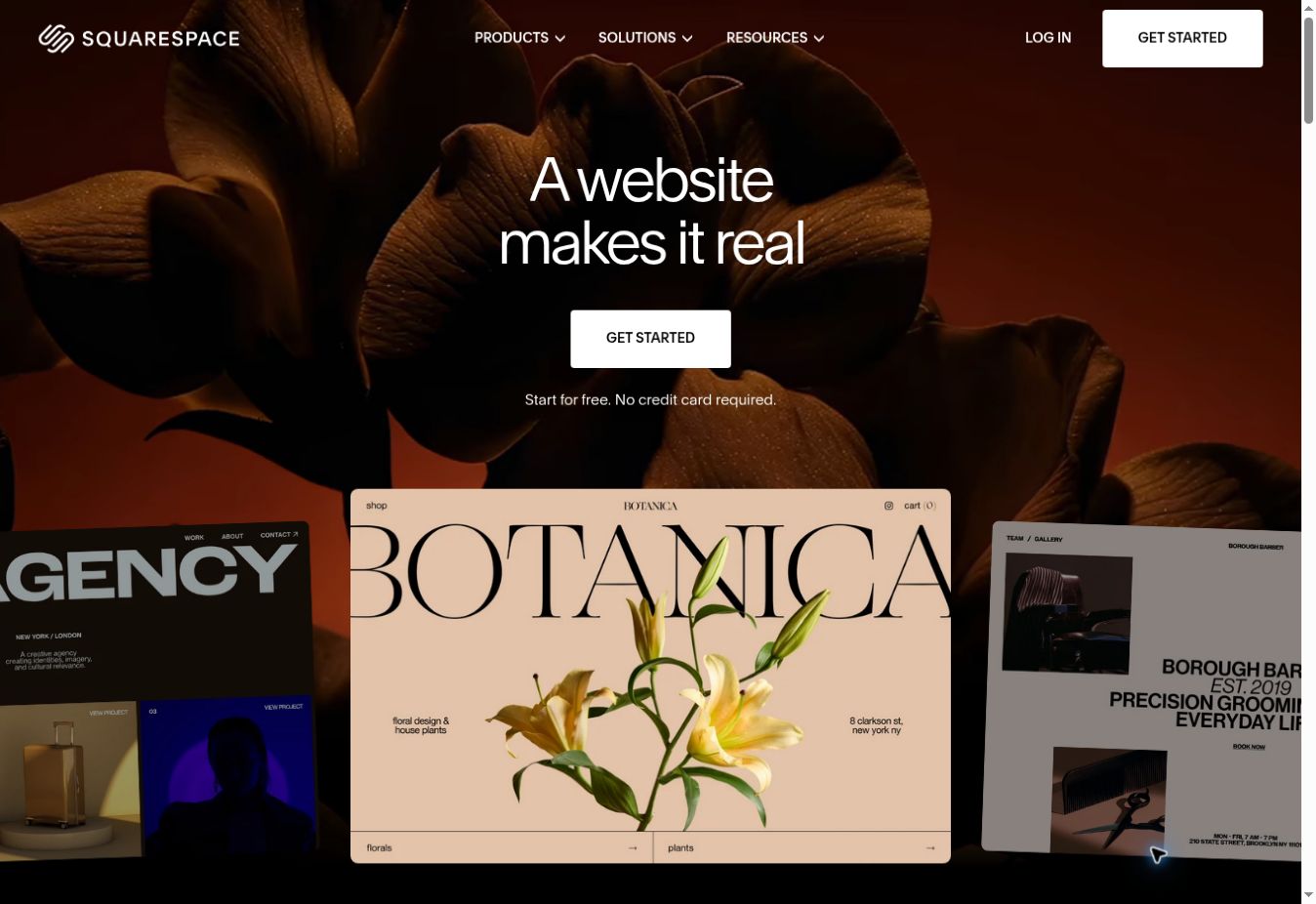
Squarespace works well for photographers, consultants, restaurants, personal brands, and other users who care about presentation. Its templates and section-based editor help maintain spacing, typography, and alignment, so beginners can create a polished result without making every design decision from scratch.
Those guardrails mean Squarespace is not as free-form as Wix. That is an advantage for people who want consistency and a limitation for people who want to position every element precisely. It is also a paid-first product rather than a permanent free website builder, so use the available trial to test the editor before choosing a plan.
- Best fit: portfolios, service businesses, restaurants, blogs, and design-led brands
- Why beginners like it: cohesive templates and structured page editing
- Consider first: no permanent free plan and less unrestricted layout control
4. BEST FOR ECOMMERCE
Shopify: the easiest serious route to an online store
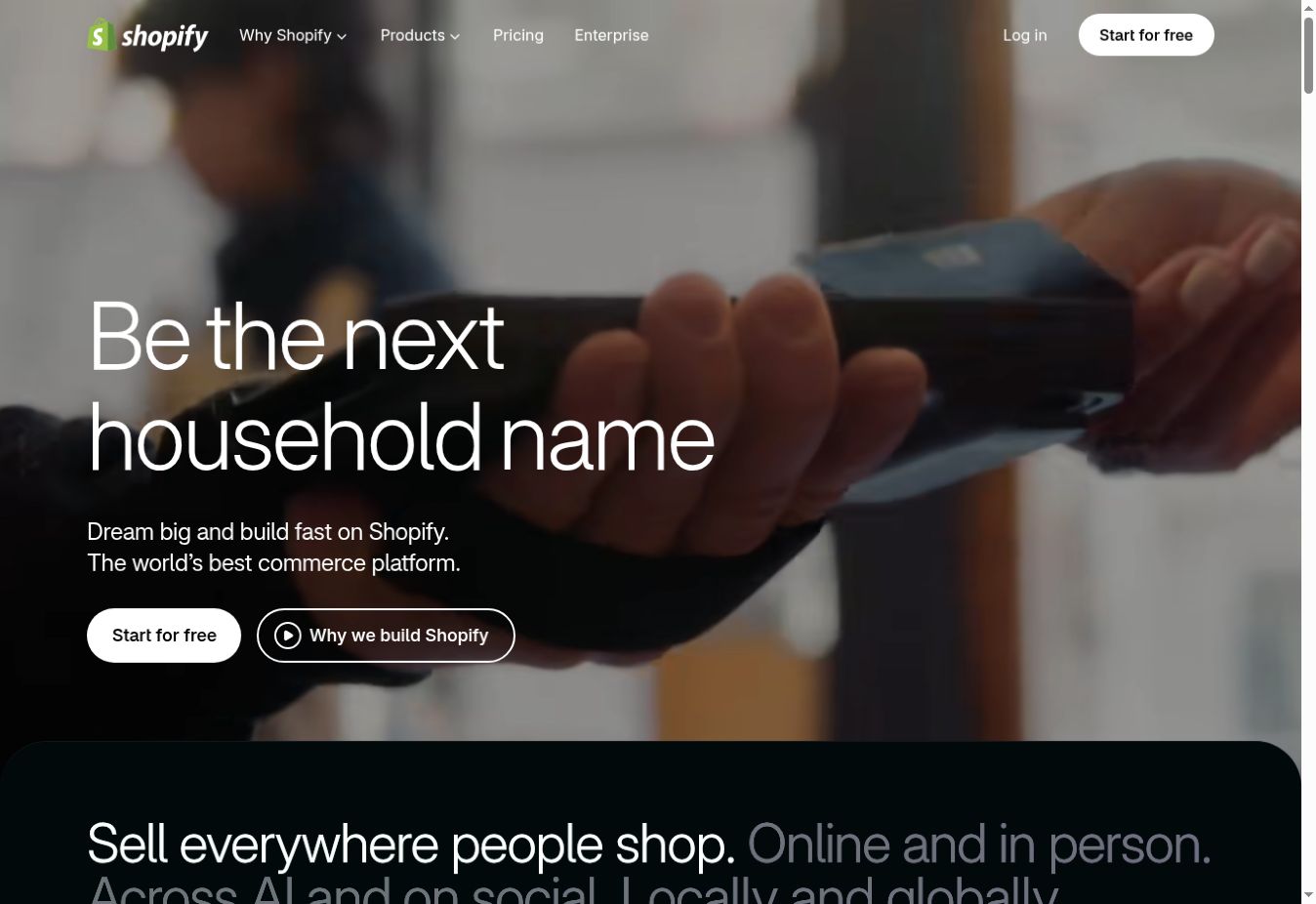
Shopify is not the cheapest way to publish a simple information site, but it is one of the clearest choices when the website’s main job is selling products. Product management, payments, inventory, orders, discounts, shipping, and sales channels are part of the core workflow instead of features added to a general-purpose builder later.
A beginner can launch with a theme and edit the storefront visually, but running a store still requires work: product photography, descriptions, policies, taxes, shipping, and customer service. Check which apps you genuinely need because recurring app charges can materially increase the monthly cost.
- Best fit: businesses planning to sell and manage a growing product catalog
- Why beginners like it: the administration area is organized around commerce tasks
- Consider first: subscription, payment, theme, and app costs
Read our detailed Shopify review, then compare it with the best ecommerce website builders for beginners.
5. FASTEST SIMPLE SETUP
GoDaddy Website Builder: get a basic business site online quickly
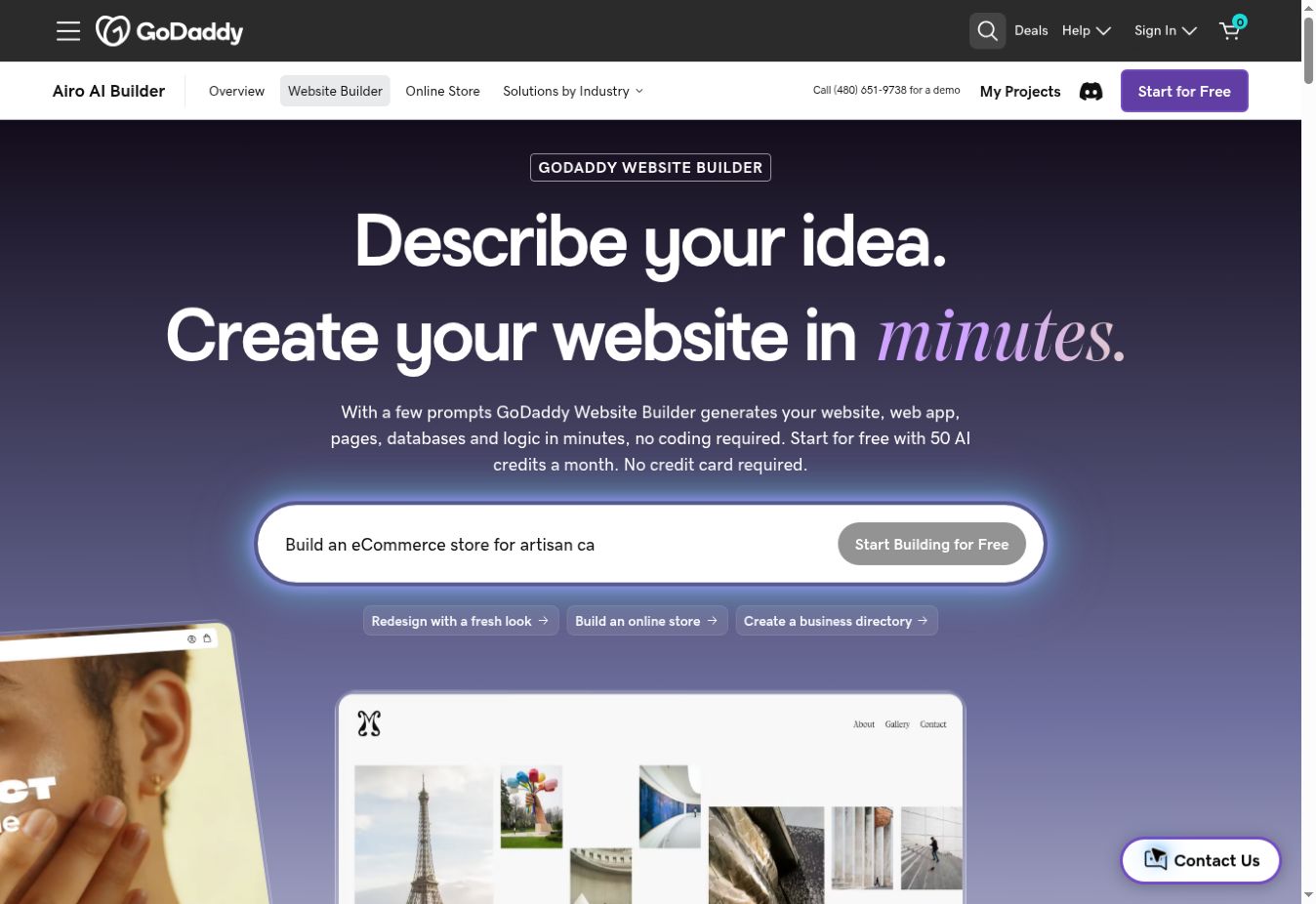
GoDaddy emphasizes speed and simplicity. Its guided setup and section-based editing are useful when you need a professional-looking web presence with contact details, services, appointments, or a small store and do not want to spend days learning design software.
The simpler editor naturally offers less design freedom and fewer advanced content-management options than Wix or WordPress. GoDaddy is therefore a good fit when finishing quickly matters more than building a highly customized publishing platform.
- Best fit: local businesses, service providers, and simple appointment websites
- Why beginners like it: quick onboarding and a constrained editor
- Consider first: limited design flexibility and feature differences between plans
6. BEST FOR SIMPLE VISUAL SITES
Canva Websites: familiar design tools for a one-page website
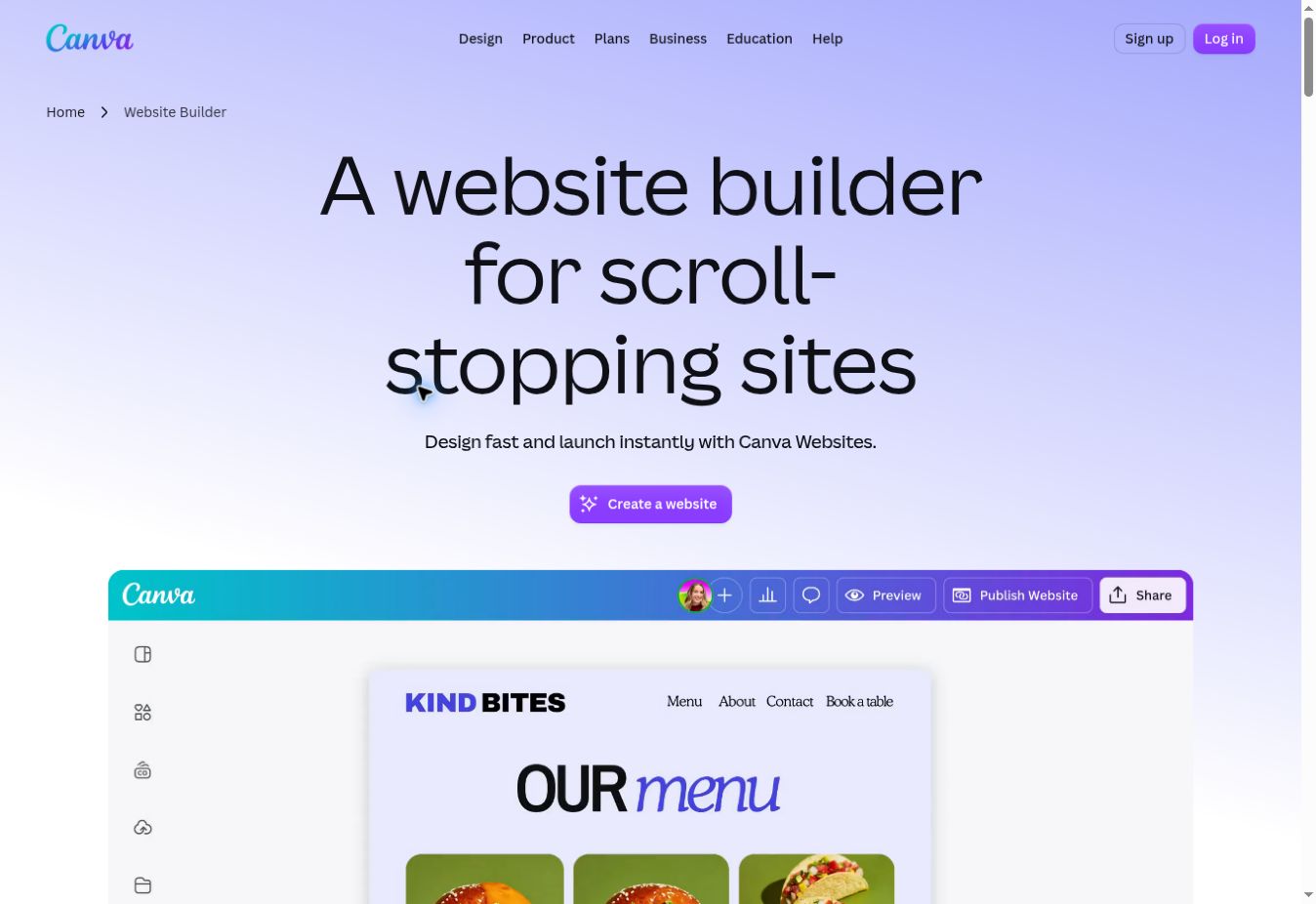
Canva Websites is approachable for anyone who already creates presentations or social graphics in Canva. You can design a responsive scrolling page with the same drag-and-drop workflow, then publish it without setting up separate hosting. It is useful for an event, profile, link page, presentation-style landing page, or temporary campaign.
It is not our first choice for a large business website with many pages, deep navigation, a large blog, or advanced integrations. Treat it as a focused visual publishing tool rather than a replacement for every full website platform.
- Best fit: profiles, events, link pages, and simple campaign sites
- Why beginners like it: the editor is familiar, visual, and easy to test for free
- Consider first: multi-page structure, blogging, and advanced website features
See our Canva review and Canva Free vs Pro comparison before upgrading.
7. BEST ONE-PAGE BUILDER
Carrd: the simplest choice for one focused page
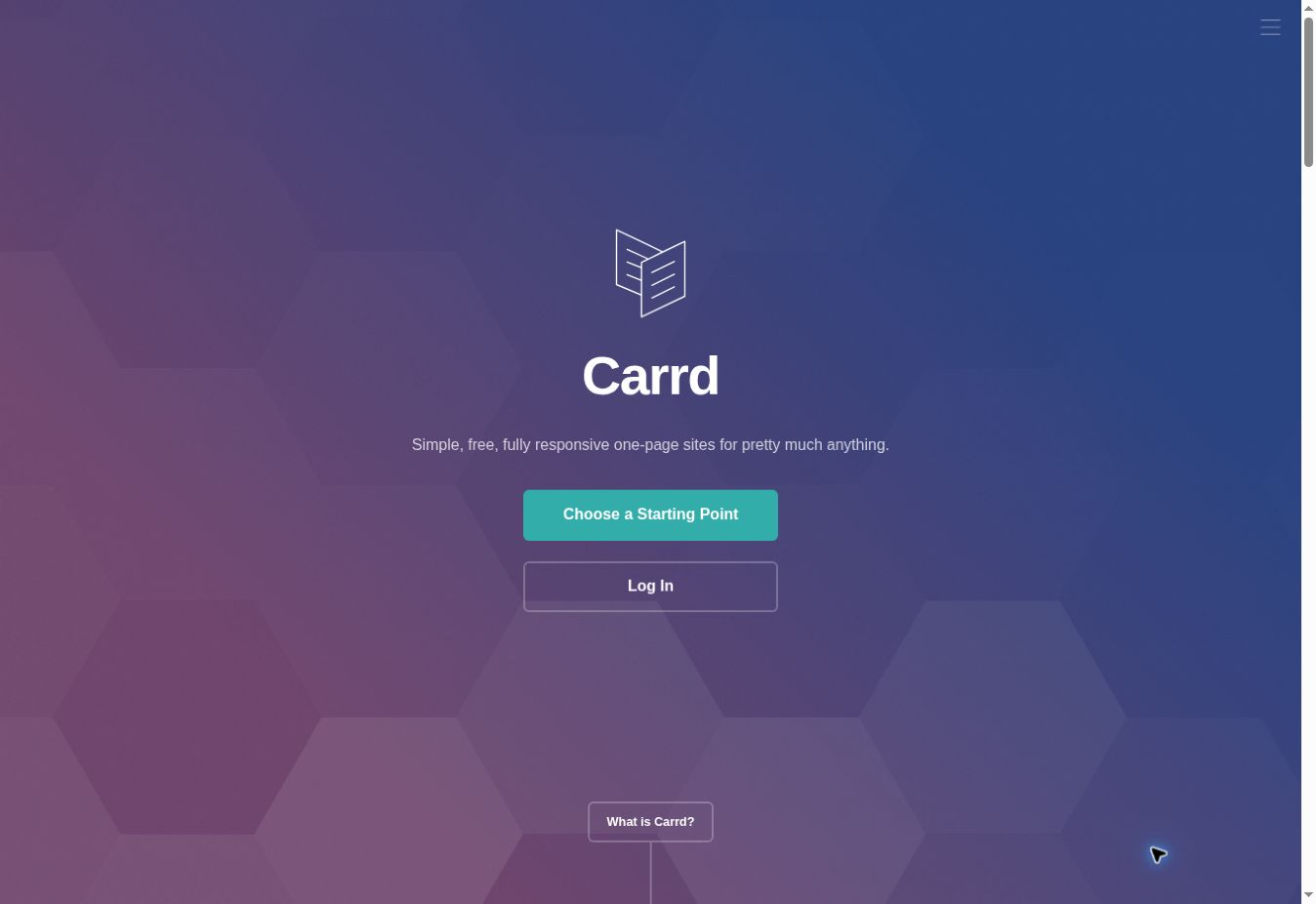
Carrd is designed for responsive one-page websites. That narrow purpose keeps the interface manageable and makes it a good choice for a personal profile, portfolio, “coming soon” page, lead-capture page, or small product introduction.
The limitation is clear: if your project needs several substantial pages, a blog, or a growing content structure, start with Wix, Hostinger, Squarespace, or another multi-page builder. Carrd is excellent when one page is the correct format, not when a larger site is being compressed to fit the tool.
Free vs paid website builders
A free plan is useful for learning the editor and validating an idea. It is usually not the best final setup for a professional business because it may include platform branding, a provider subdomain, storage or bandwidth limits, and restricted marketing or commerce features.
Before upgrading, compare the full annual cost and confirm that the plan includes your custom domain connection, required storage, forms, analytics, bookings, ecommerce features, and support. Avoid paying for advanced tools merely because they appear on a feature list. Pay for the capabilities your site needs now, with a reasonable path to grow.
Still testing your idea? See our comparison of the best free website builders for beginners.
How to choose your first website builder
- Define the site’s main job.A portfolio, appointment site, blog, store, and one-page campaign need different tools.
- List the essential features.Examples include a custom domain, email capture, bookings, payments, multilingual pages, or a blog.
- Build one real page during the trial.Do not judge only from templates. Test editing, mobile layout, navigation, and publishing.
- Check the total cost.Include renewal prices, domains, email, paid templates, transaction fees, and apps.
- Plan for routine updates.The best builder is one you can confidently maintain after the initial excitement has passed.
Our final recommendations
For the best overall balance of beginner-friendly setup and long-term flexibility.
For a simple and affordable all-in-one path to a small-business website.
For polished templates and a design-led portfolio or service website.
When selling products is the site’s primary purpose and you expect the store to grow.
COMMON QUESTIONS
Website builder FAQ
What is the easiest website builder for beginners?
Wix is the best all-round starting point for most beginners because it combines guided setup, templates, AI-assisted creation, business features, and room to customize. Hostinger is easier to recommend when keeping the initial cost and setup simple matters most.
Can I build a website without coding?
Yes. Every builder in this guide provides visual editing, templates, or an AI-assisted setup. You can publish a basic business site, portfolio, or store without writing code.
Which free website builder is best for beginners?
Wix is a strong free option for learning and testing a full website builder. Canva and Carrd are simpler choices for a small one-page site. Free plans usually use platform branding or a provider subdomain, so a paid plan is normally better for a professional business site.
Is a website builder good for SEO?
A builder can provide editable titles, descriptions, URLs, image text, sitemaps, and mobile-friendly templates. Good rankings still depend on useful content, site structure, links, performance, and competition—not the builder alone.
Should a beginner use WordPress or a website builder?
Choose a hosted website builder when you want the simplest setup and one company to handle the editor, hosting, and maintenance. Choose WordPress when you need deeper control and are willing to manage hosting, updates, plugins, and security.
FINAL VERDICT
Start with the simplest tool that supports your real goal
Wix is our best overall website builder for beginners, while Hostinger offers a compelling combination of simplicity and value. Squarespace is stronger for design-led sites, Shopify for ecommerce, and Canva or Carrd for focused one-page projects. Use a free plan or trial to build a real sample page before paying.
Published September 13, 2026 · Sources checked: official Wix, Hostinger, Squarespace, Shopify, GoDaddy, Canva, and Carrd product pages. Features, trials, and prices can change. Read how Smart Tool Reviews evaluates services.