ECOMMERCE PLATFORM REVIEW
Shopify review: is it worth it for beginners?
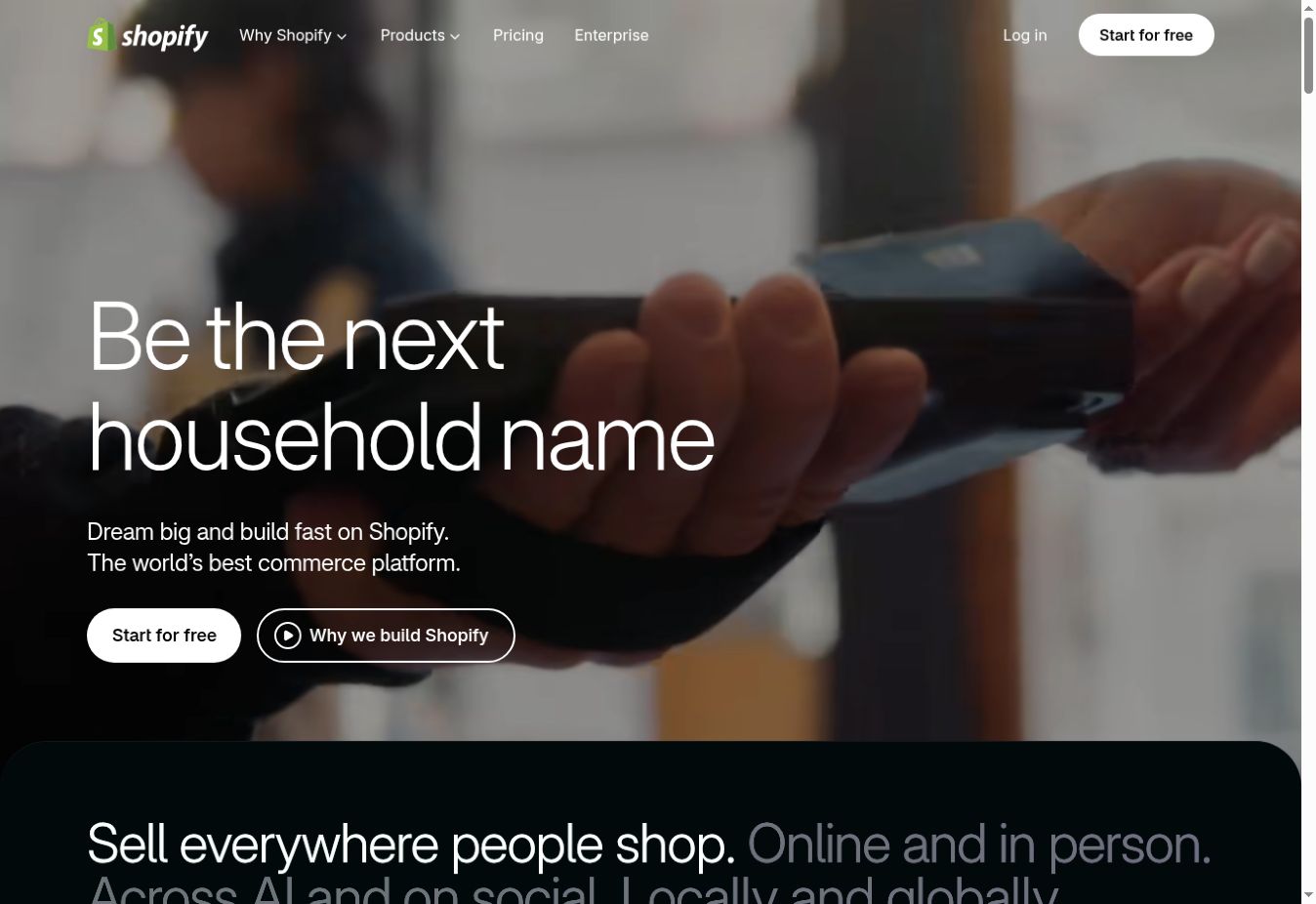
Shopify is one of the strongest ecommerce platforms for beginners who intend to build a serious online store. It brings storefront design, products, checkout, payments, inventory, shipping, analytics, and sales channels into one managed system. Its main trade-off is cost: subscriptions, payment fees, themes, and apps can make the final bill higher than the advertised plan price.

THE SHORT ANSWER
Is Shopify worth it?
Yes, when selling products is the website’s main purpose and you want a platform that can grow with the business. Shopify is easier to operate than assembling hosting, ecommerce plugins, security, checkout, and updates yourself. It is less compelling for a simple brochure site, a content-first project, or a tiny catalog that does not need its deeper commerce tools.
Who Shopify is best for
First online stores
Launch products, collections, checkout, orders, discounts, and essential store pages without building the technical stack.
Growing catalogs
Manage inventory, customers, fulfillment, reports, and integrations as products and order volume expand.
Online and in-person retail
Connect ecommerce with supported point-of-sale tools and keep products, customers, and inventory in one ecosystem.
Multichannel sellers
Reach customers through the online store and supported social, marketplace, and international sales channels.
What Shopify includes
Every standard Shopify plan provides the core parts needed to operate an online store. Exact limits and availability depend on the plan, market, and local eligibility.
- Managed ecommerce hosting and SSL security
- Storefront builder, responsive themes, and custom-domain support
- Products, collections, inventory, checkout, orders, discounts, and customer records
- Shipping, tax, analytics, marketing, and sales-channel tools
- An extensive app ecosystem and options for custom development
Ease of use and store setup
Shopify’s administration area organizes the store around products, orders, customers, content, analytics, marketing, discounts, and settings. A beginner can select a theme, add products, create policies, connect a domain, and configure checkout without writing code. Shopify’s AI assistant and content tools can accelerate routine setup, but all generated material should be checked for accuracy and brand consistency.
The difficult part is usually not the editor. It is making real business decisions: product variants, inventory locations, shipping zones, return rules, taxes, payment methods, and customer communication. Use Shopify’s setup checklist, then place a complete test order before opening the store.
Shopify plans compared
Plan names, prices, taxes, included features, and promotions vary by location and can change. These plan positions were checked on Shopify’s official US pricing page on September 14, 2026; verify your local checkout and renewal terms.
The real cost of Shopify
The subscription is only the starting point. Build a 12-month cost estimate before choosing a plan. Include the monthly or annual subscription, card processing, any additional transaction fee, domain renewal, business email, paid theme, recurring apps, shipping tools, point-of-sale needs, and professional design or development.
Shopify’s official US pricing page currently lists additional third-party payment-provider fees that decrease from Basic through the higher standard plans. Card rates and payment availability vary. A more expensive plan is not automatically better: upgrade only when its staff, reporting, international, or fee benefits are worth more than the price difference.
Shopify Payments and transaction fees
Shopify Payments lets eligible merchants accept supported payment methods without maintaining a separate payment gateway integration. Availability, currencies, payout rules, identity requirements, and prohibited businesses differ by country. Where it is unavailable—or when you choose another gateway—Shopify may charge an additional third-party transaction fee on top of the provider’s processing charge.
Before building the store, confirm that Shopify Payments or a suitable alternative is available for your business country, currency, and product category. Read the provider’s terms directly and never assume that a payment method shown in another market will work in yours.
Themes and customization
Shopify’s theme system gives beginners a structured visual editor for the homepage, product templates, collections, blog, cart, and other storefront pages. Free themes can produce a professional store when photography, copy, typography, and navigation are handled carefully. Paid themes may add specialized layouts and merchandising features, but they do not compensate for weak product information.
Most routine design changes require no code. Deeper changes can use theme code, custom sections, apps, or a developer. Test theme updates and customizations before publishing, and keep a duplicate theme as a recoverable working copy.
Products, inventory, and order management
Shopify is strongest when the website must behave like an operating store rather than a collection of pages. Products can be organized into collections and configured with variants, media, pricing, inventory, shipping information, and search data. Orders, refunds, fulfillment, customer details, and inventory updates remain connected in the administration area.
Stores with subscriptions, bundles, wholesale rules, unusual product personalization, regulated goods, or complex warehouse processes should validate the exact workflow. These needs may require specific apps, a higher plan, or custom development.
Shopify App Store: strength and hidden cost
Shopify’s app ecosystem is a major advantage. Apps can add reviews, subscriptions, loyalty programs, upsells, email marketing, bookkeeping, fulfillment, customer support, and specialized workflows. The same flexibility can create recurring expenses, overlapping scripts, slower pages, and operational dependence on several vendors.
Install an app only when a verified business requirement cannot be met reliably by Shopify or the theme. Check pricing at your expected order volume, recent reviews, support quality, requested permissions, data handling, uninstall behavior, and performance impact.
Shopify SEO: can a store rank on Google?
Shopify provides a solid technical base: editable titles and descriptions, clean navigational structures, automatic sitemaps, canonical handling, redirects, mobile-ready themes, image alternative text, and structured product information. It is capable of ranking; the platform itself is rarely the decisive limitation.
Successful ecommerce SEO requires original category and product content, useful buying guidance, logical internal links, accurate availability and pricing, strong images, reputable mentions, and a fast experience. Avoid copying manufacturer descriptions across many stores. Build topical authority with genuinely helpful comparisons and guides, and link them to the most relevant collections and products.
Performance, security, and reliability
Shopify manages hosting, SSL, platform maintenance, infrastructure, and core security responsibilities. This removes much of the technical burden associated with a self-hosted store. Merchants remain responsible for account security, staff permissions, app access, customer-data practices, backups of important business records, and legal compliance.
Performance depends heavily on the selected theme, image sizes, videos, tracking scripts, and apps. Use compressed modern images, limit unnecessary app widgets, test important templates, and measure the customer journey from landing page through checkout.
STRENGTHS
What Shopify does well
- Purpose-built ecommerce workflow
- Beginner-friendly managed platform
- Reliable checkout and broad commerce ecosystem
- Scales from a first store to complex operations
- Strong app, theme, channel, and partner options
LIMITATIONS
What to consider first
- Apps and premium themes can raise the total cost
- Payment and transaction costs require careful comparison
- Advanced design changes may need code or professional help
- App-heavy stores can become slower and harder to maintain
- A commerce-first platform can be excessive for a simple website
Shopify alternatives
Choose Wix when content, bookings, services, or design freedom matter more than advanced retail operations; read our Wix review. Choose Hostinger for a simpler value-focused website or very small store; see our Hostinger review. Choose WooCommerce when WordPress ownership and customization justify managing hosting, plugins, updates, and security.
For a side-by-side starting point, read our guide to the best ecommerce website builders for beginners.
How to test Shopify before committing
- Add real products.Test variants, inventory, images, collections, search, and the mobile product page.
- Configure your real market.Check payments, currency, shipping zones, taxes, policies, and local eligibility.
- Place a test order.Review checkout, confirmation emails, fulfillment, cancellation, refund, and customer communication.
- Audit every app.Record its purpose, monthly cost, permissions, page impact, and uninstall plan.
- Calculate one year of ownership.Include the plan, processing, transaction fees, domain, theme, apps, and outside help.
COMMON QUESTIONS
Shopify FAQ
Is Shopify good for beginners?
Yes. Shopify combines hosting, storefront design, products, checkout, orders, payments, security, and support in one managed platform. Beginners still need time to configure shipping, taxes, policies, and product information correctly.
How much does Shopify really cost?
The total includes the subscription plus possible payment processing, third-party transaction fees, a domain, paid themes, apps, point-of-sale hardware, and professional help. Prices and terms vary by country, billing cycle, and promotion.
Does Shopify take a percentage of sales?
Payment processing charges can apply to card transactions. An additional third-party transaction fee may also apply when you use an external payment provider instead of Shopify Payments, depending on your plan and region.
Can Shopify rank on Google?
Yes. Shopify provides editable SEO fields, mobile-ready themes, sitemaps, canonical handling, redirects, and structured commerce data. Rankings still depend on content quality, search intent, authority, site structure, and performance.
Is Shopify only for large stores?
No. Basic is designed for solo entrepreneurs, while higher plans add team, reporting, international, and enterprise capabilities. The platform can support a first store as well as a growing retail operation.
What is the best Shopify alternative?
Wix can be better for content-led small businesses with a smaller store, Hostinger suits simpler budget-conscious websites, and WooCommerce offers deeper control for teams prepared to manage WordPress hosting and maintenance.
FINAL VERDICT
The best default choice for many new online stores
Shopify earns its reputation by making the difficult infrastructure of ecommerce manageable for a beginner while leaving room to grow. It is a strong choice when commerce is central to the business and the convenience of one maintained ecosystem justifies the cost. Test a realistic product and order workflow first, then choose the lowest plan that meets verified requirements.
Published and reviewed September 14, 2026 · Sources: Shopify’s official pricing, website builder, payments, hosting, product, and support information. Features, fees, and offers can change. Read how Smart Tool Reviews evaluates services.