FREE WEBSITE BUILDER GUIDE
5 best free website builders for beginners in 2026
A free website builder is useful for learning, testing an idea, or publishing a small project without an initial subscription. The trade-off is that free plans usually include a provider address, visible branding, or feature limits. This guide shows what you can genuinely build for free—and when paying becomes worthwhile.
THE SHORT ANSWER
Which free website builder should you choose?
Choose Wix for a normal multi-page website and the best all-round test environment. Choose Canva for a visually attractive one-page site, Carrd for a minimal landing page, WordPress.com to begin blogging, or Google Sites for a basic project hub. If the site represents a real business, plan to upgrade when you need your own domain and a more professional presentation.
Best free website builders compared
Free-plan terms can change. Confirm publishing limits, branding, storage, and domain rules on the provider’s current plan page.
How we selected these free website builders
We looked for platforms that let a beginner create and publish a usable site without entering code or immediately committing to a subscription. We also considered editor clarity, mobile presentation, templates, content management, upgrade options, and how clearly each platform separates free features from paid ones.
Easy to begin
A beginner should be able to choose a starting point, edit content, preview the result, and publish without technical setup.
Actually publishable
A trial alone is not a free plan. Each main recommendation offers a way to keep a basic site published without an initial subscription.
Presentable result
Templates and responsive layouts should make it possible to create a clear site on desktop and mobile.
Limits explained
We highlight branding, subdomain, feature, storage, and growth restrictions so “free” does not create a surprise later.
1. BEST FREE OPTION OVERALL
Wix: the strongest free website builder for most beginners
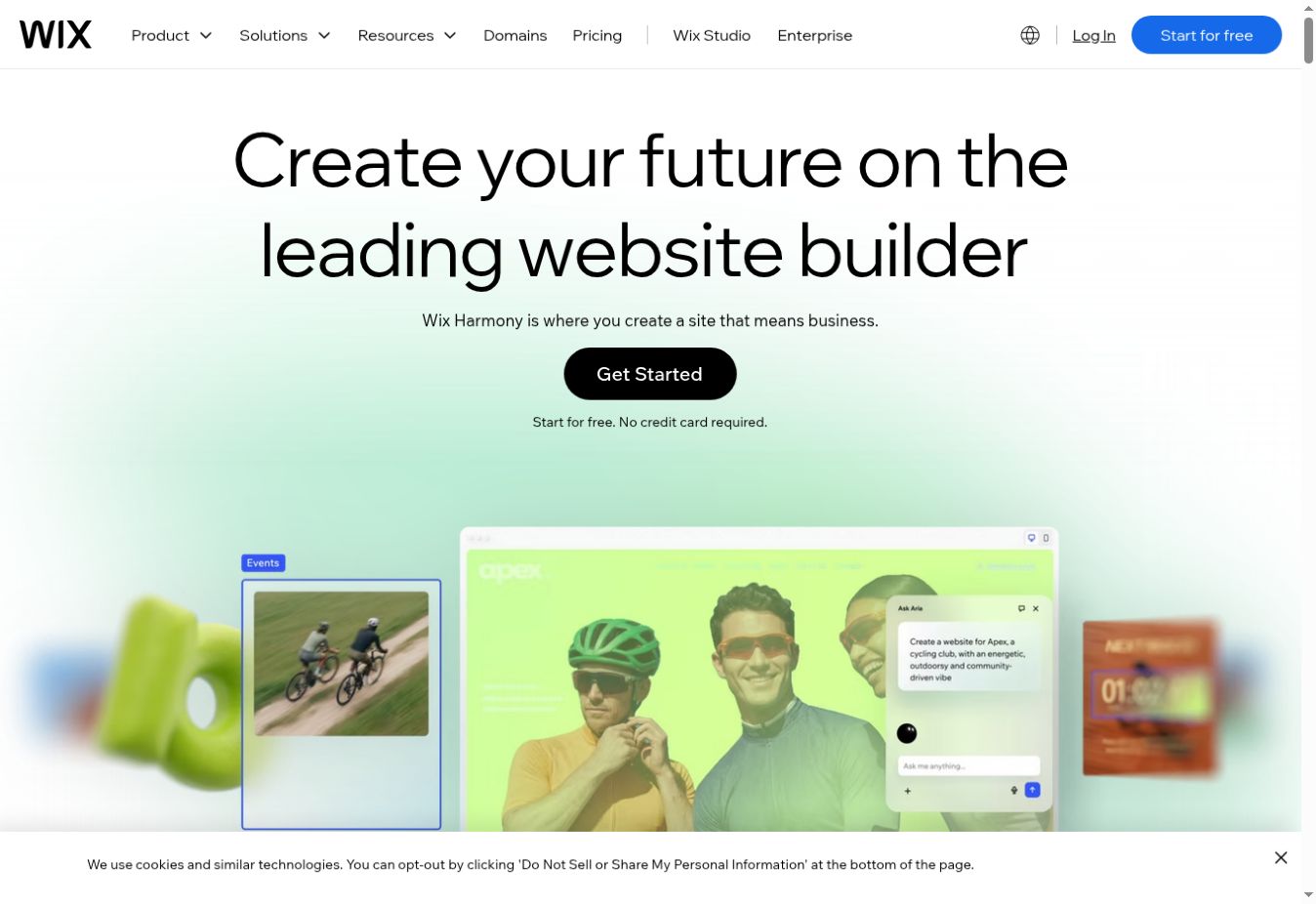
Wix gives beginners a broad visual editor, templates, and tools for common website types. You can experiment with pages, text, galleries, forms, and basic business features before deciding whether the platform suits you. This makes it the best free starting point when you are not yet certain what your website will become.
The free plan is best treated as a learning and validation tool. Your site uses a Wix-provided address and displays Wix branding. Connecting a custom domain and presenting a cleaner professional identity requires an eligible paid plan. The number of editor choices can also feel heavier than Canva or Carrd.
- Best for: portfolios, personal sites, prototypes, and testing a small-business website
- Main advantage: more design freedom and growth options than most simple free builders
- Upgrade when: you need a custom domain, less platform branding, or additional business features
See our in-depth Wix review before choosing a paid plan.
2. BEST FOR VISUAL ONE-PAGE SITES
Canva Websites: publish with a familiar design workflow
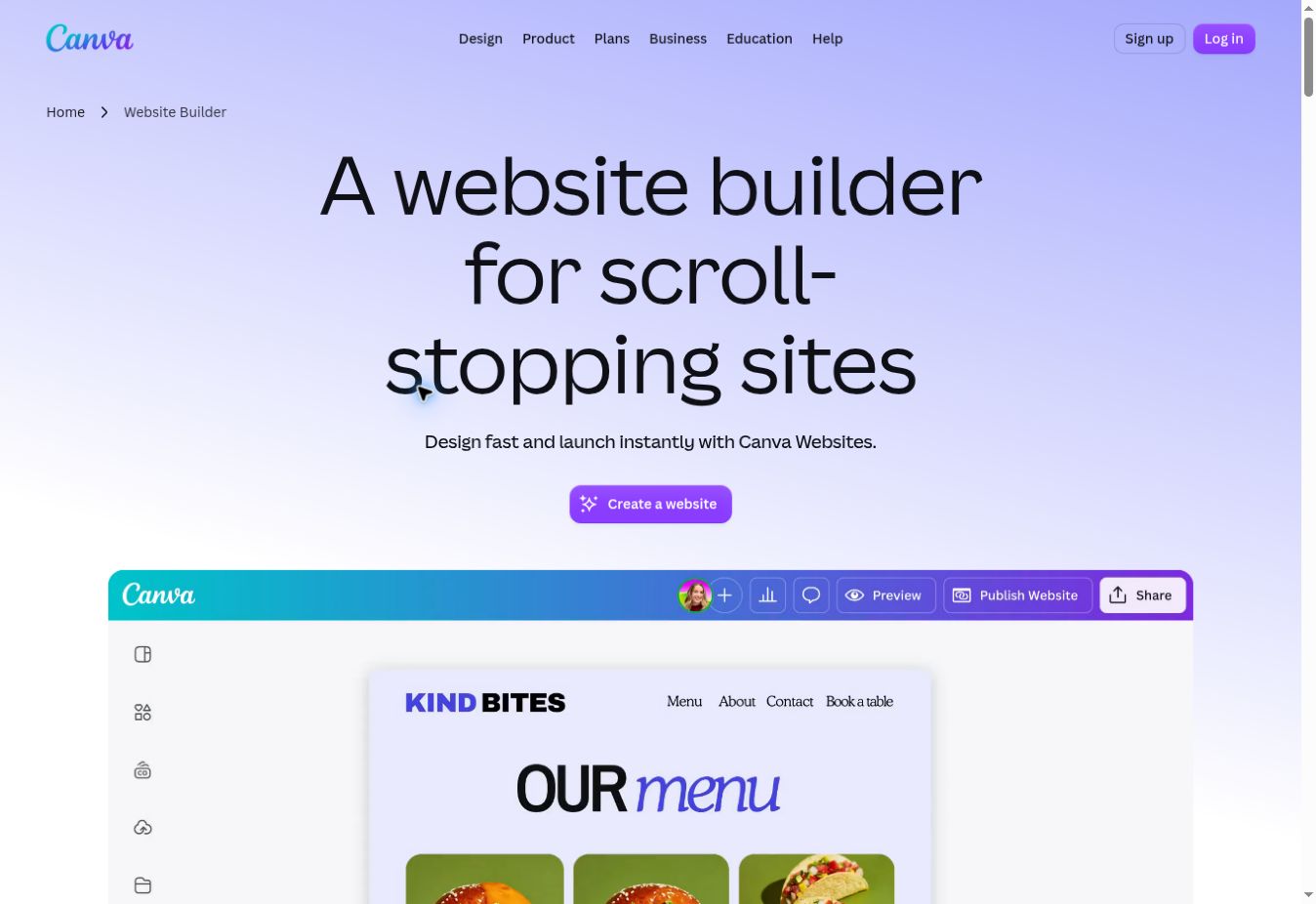
Canva Websites is a natural choice for beginners who already use Canva for presentations, social posts, or print designs. You can start from a website template, edit visually, and publish a responsive scrolling page. It works particularly well for an event, personal profile, classroom project, link page, campaign, or simple portfolio.
Its strength is visual speed, not complex website management. A large content site needs stronger navigation, blogging, structured page management, and more advanced integrations. If your plan includes dozens of articles or service pages, choose a full website platform from the beginning.
- Best for: events, portfolios, personal profiles, and presentation-style landing pages
- Main advantage: very low learning curve and a large visual template ecosystem
- Upgrade or switch when: the project needs deeper navigation, blogging, ecommerce, or advanced SEO control
Read our complete Canva review and Canva Free vs Pro comparison before paying.
3. BEST MINIMAL ONE-PAGE BUILDER
Carrd: simple, focused, and quick to learn
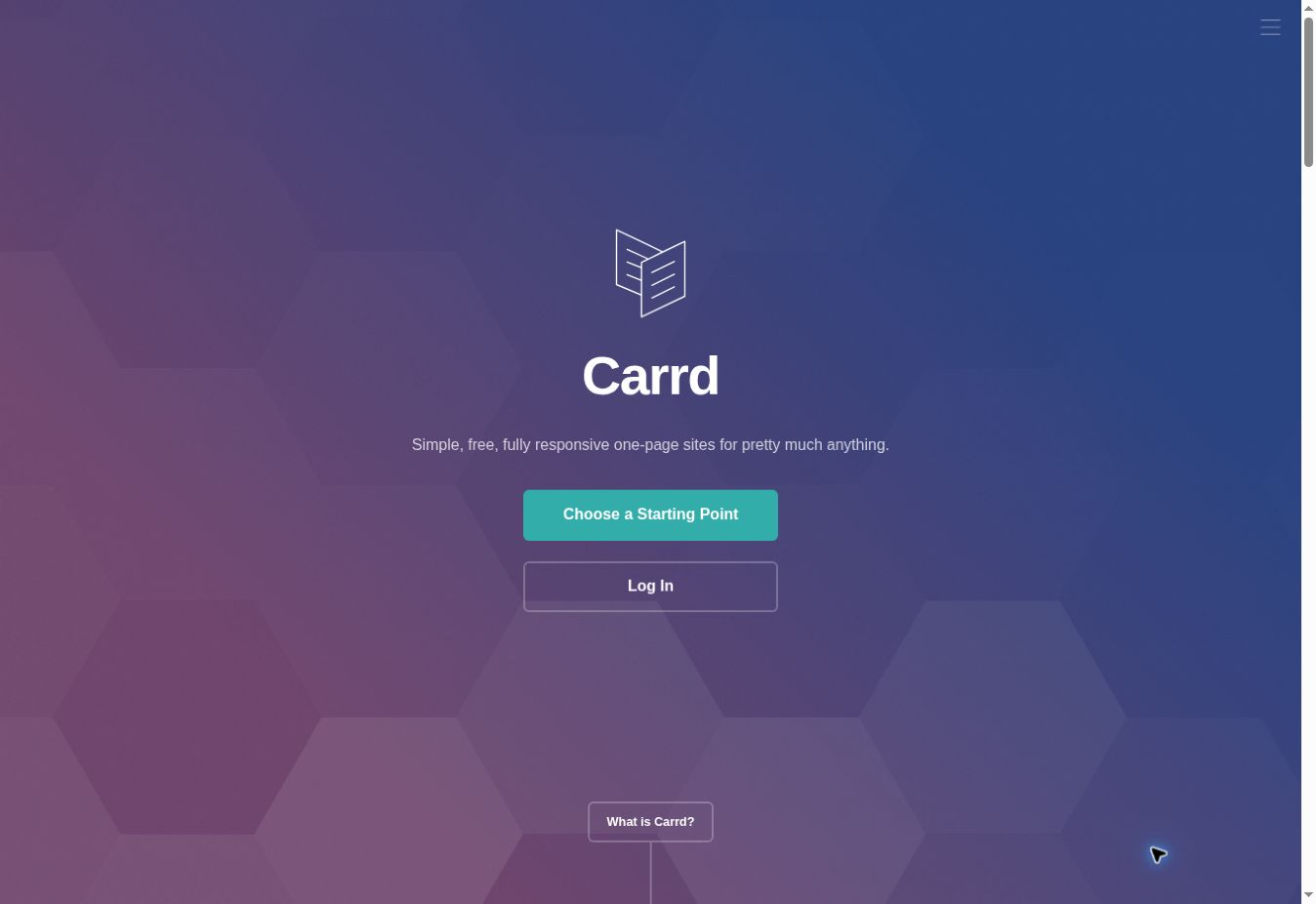
Carrd is built specifically for responsive one-page sites. The narrow focus keeps the interface manageable and makes it useful for a digital profile, “coming soon” page, small portfolio, link page, or simple introduction to a product or service.
The free option is intentionally limited, and features such as custom domains, forms, and more advanced elements may require a paid upgrade. It is not the correct foundation for a large multi-page business site or publication. Choose Carrd when one focused page is genuinely enough.
- Best for: personal profiles, link pages, waitlists, and basic landing pages
- Main advantage: fewer distractions than a full website platform
- Upgrade or switch when: you need forms, a custom domain, multiple pages, or extensive content
4. BEST FOR LEARNING BLOGGING
WordPress.com: a useful free start for written content
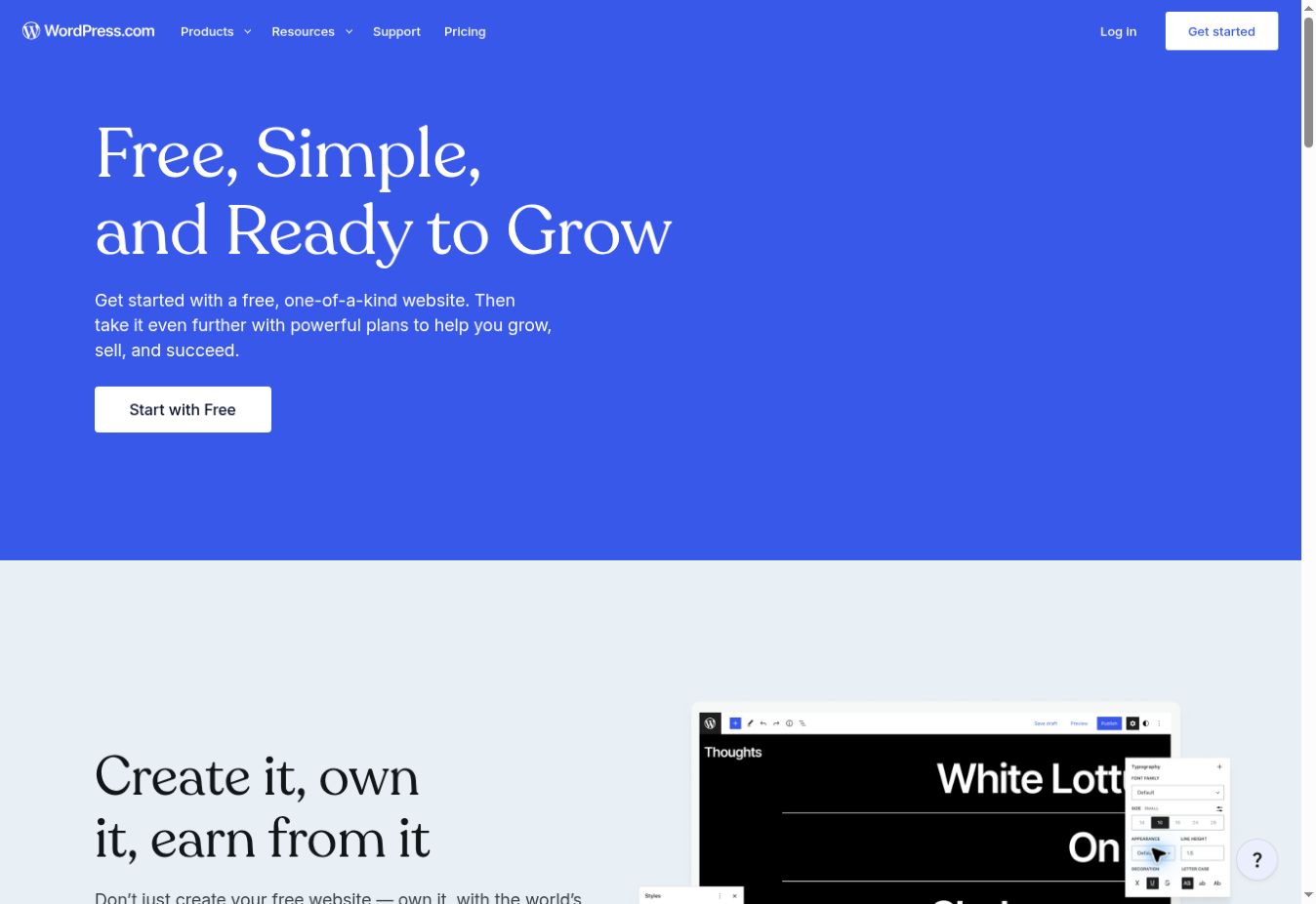
WordPress.com provides a hosted way to learn the fundamentals of posts, pages, themes, categories, and site navigation. It is more suitable than a one-page builder when your main goal is publishing articles regularly and organizing them into a growing archive.
Do not confuse WordPress.com’s hosted free plan with self-hosted WordPress software. The free hosted plan restricts areas such as customization, storage, monetization, plugins, and domain use. A serious publication may eventually need a paid WordPress.com plan or separate WordPress hosting.
- Best for: personal blogs, writing practice, and learning content organization
- Main advantage: genuine blogging and page-management foundations
- Upgrade when: you need your own domain, deeper customization, plugins, monetization, or business tools
If you later choose self-hosted WordPress, our Hostinger review explains a beginner-focused hosting option and the renewal costs to check.
5. BEST FOR BASIC PROJECT HUBS
Google Sites: easy publishing for simple information
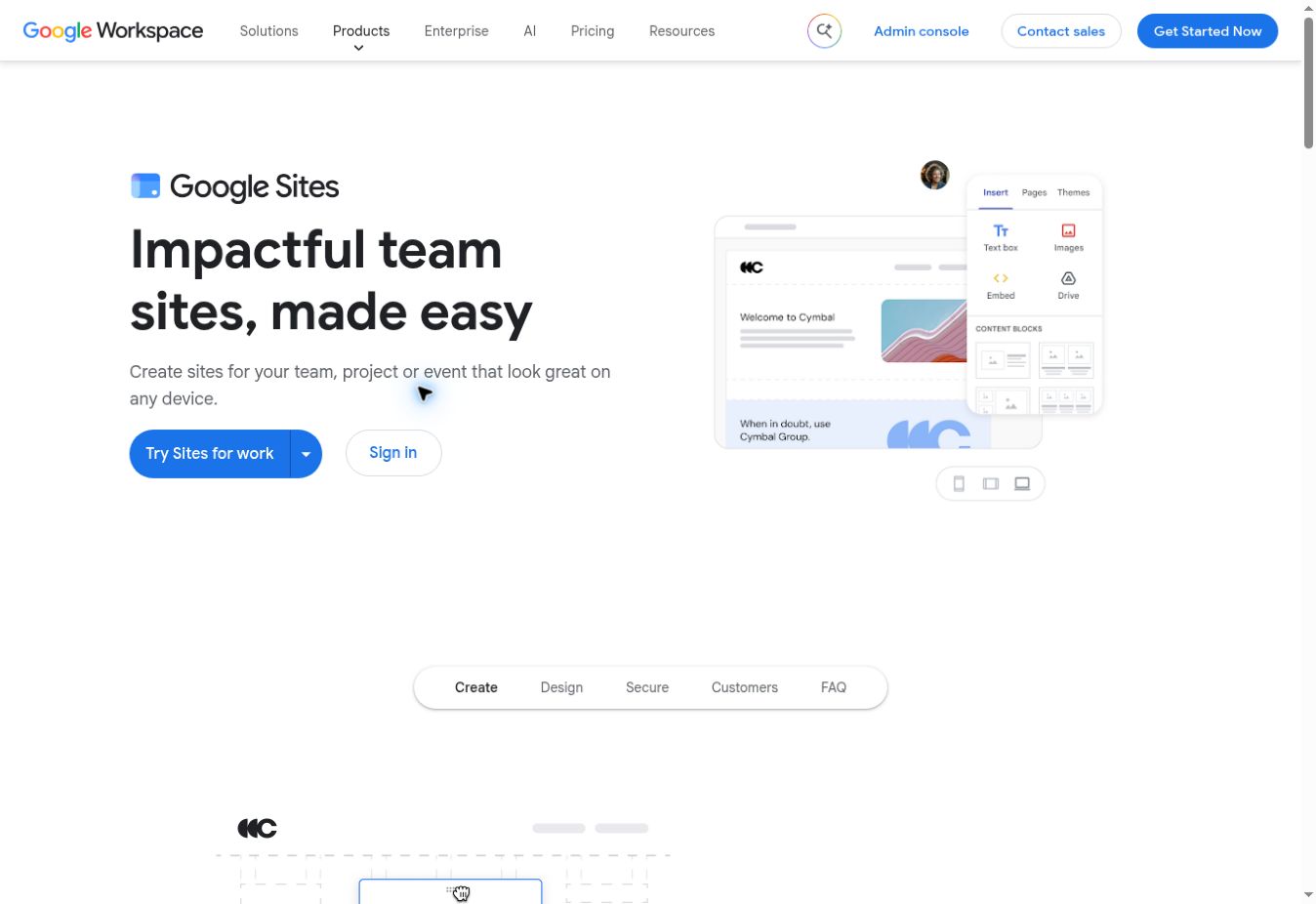
Google Sites is useful for a class, team, event, internal information hub, or small project where simplicity and collaboration matter more than branding. It integrates naturally with Google Drive content and does not require separate hosting management.
It is not our recommendation for an affiliate site, serious blog, online store, or design-led business website. Its customization, SEO, publishing, and growth options are basic compared with dedicated website builders. Use it when the audience needs straightforward access to information rather than a sophisticated marketing experience.
The real cost of a “free” website
A free builder removes the initial subscription, but it does not remove every cost or compromise. You may still need to pay for a domain, professional email, premium assets, forms, ecommerce, storage, or third-party tools. More importantly, moving a finished website to another platform can require rebuilding it manually.
Before investing hours in a free platform, decide whether it can support your likely next step. For a hobby, school project, or temporary page, a provider address may be acceptable. For a business, a paid plan with your own domain usually creates a clearer and more credible identity.
Free website builder vs affordable paid builder
Choose a free builder when you are learning, testing demand, or creating a low-risk personal project. Choose an affordable paid builder when the website must represent a business, collect leads reliably, use a custom domain, or support long-term search traffic.
Hostinger does not belong in the main free-plan ranking because its website builder is generally offered through paid packages. It may nevertheless provide better value for a business that already knows it needs hosting and a custom domain. Compare it with the free options in our broader guide to the easiest website builders for beginners.
Want to accept payments? Our guide to the best ecommerce website builders for beginners explains store-specific costs and tools.
How to test a free builder before committing
- Create one real page.Use your actual text, images, logo, and call to action instead of judging a demonstration template.
- Check the mobile version.Make sure headings, buttons, forms, and navigation remain readable and usable on a phone.
- Inspect the published address.Confirm the subdomain format, provider branding, advertisements, and privacy settings.
- Review the upgrade path.Check custom-domain support, renewal price, storage, analytics, ecommerce, and feature limits.
- Consider the cost of moving.Determine whether content can be exported or whether changing platforms would require a manual rebuild.
COMMON QUESTIONS
Free website builder FAQ
What is the best free website builder for beginners?
Wix is the best free all-round website builder for most beginners because it provides templates, visual editing, and room to test several types of website. Canva or Carrd is simpler for a one-page project, while WordPress.com is better for learning basic blogging.
Can I use my own domain with a free website builder?
Most free plans publish your site on a provider-owned address. Connecting a custom domain usually requires a paid plan. Check the current plan details before buying a domain or upgrading.
Are free website builders really free?
The builders in this guide provide a way to create and publish without an initial subscription, but limits apply. Common restrictions include provider branding, a subdomain, reduced storage, fewer features, and no ecommerce or advanced integrations.
Can a free website rank on Google?
A free website can be discovered and indexed, but ranking depends on useful content, search intent, competition, links, and technical quality. A provider subdomain and limited SEO controls can make professional growth more difficult.
When should I upgrade to a paid plan?
Upgrade when you need a custom domain, removal of platform branding, more storage, business email, bookings, payments, analytics, or other features that directly support the site’s goal.
FINAL VERDICT
Use free plans to learn and validate—not to hide long-term needs
Wix is the best free website builder for most beginners. Canva and Carrd are easier for small one-page projects, WordPress.com is better for learning blogging, and Google Sites fits basic information hubs. For a professional business, budget for a custom domain and the paid features that support your actual goal.
Published September 14, 2026 · Sources checked: official Wix, Canva, Carrd, WordPress.com, and Google Sites product pages. Free-plan features and restrictions can change. Read how Smart Tool Reviews evaluates services.