WEBSITE BUILDER REVIEW
Wix review: is it a good website builder for beginners?
Wix is one of the strongest all-round website builders for beginners because it combines AI-assisted setup, visual editing, templates, hosting, SEO settings, and business tools in one platform. It offers more freedom than many simple builders, but that flexibility can make the editor feel busy and increase costs as you add paid features.
THE SHORT ANSWER
Is Wix worth it?
Yes, for beginners who want one platform for designing and operating a professional website without coding. Wix is particularly useful when you need several capabilities—such as a blog, forms, bookings, events, ecommerce, email marketing, or customer management—inside one account. Choose a simpler builder if you want only a basic page, or Shopify if advanced ecommerce is the main priority.
Who Wix is best for
Small businesses
Publish service pages, forms, contact details, customer information, and local-business content.
Creators and portfolios
Use visual templates and galleries to present photography, design, writing, or professional work.
Appointments and events
Add bookings, schedules, memberships, event registration, or ticket-related workflows where supported.
Smaller online stores
Sell products while retaining strong control over the wider website’s content and design.
What Wix includes
Wix combines website creation and business management rather than requiring a beginner to assemble hosting, an editor, security, and separate plugins. The exact capabilities depend on the selected plan and location.
- AI-assisted website creation and hands-on visual editing
- A large library of business, portfolio, blog, landing-page, and ecommerce templates
- Managed hosting, security, domain tools, and mobile-ready layouts
- Blogging, forms, contacts, analytics, marketing, bookings, events, and ecommerce options
- An app marketplace for adding specialized capabilities
Wix editor and ease of use
Wix lets beginners choose between generated starting points and manual design. The visual editor offers extensive drag-and-drop control, while reusable styles help keep fonts and colors consistent. This makes Wix more adaptable than builders that restrict every page to a narrow set of sections.
The trade-off is complexity. More freedom means more menus and more opportunities to create inconsistent spacing or crowded mobile layouts. Begin with a template, establish a small set of colors and type styles, and avoid changing every element independently. Always preview important pages on desktop and mobile before publishing.
Wix AI website builder
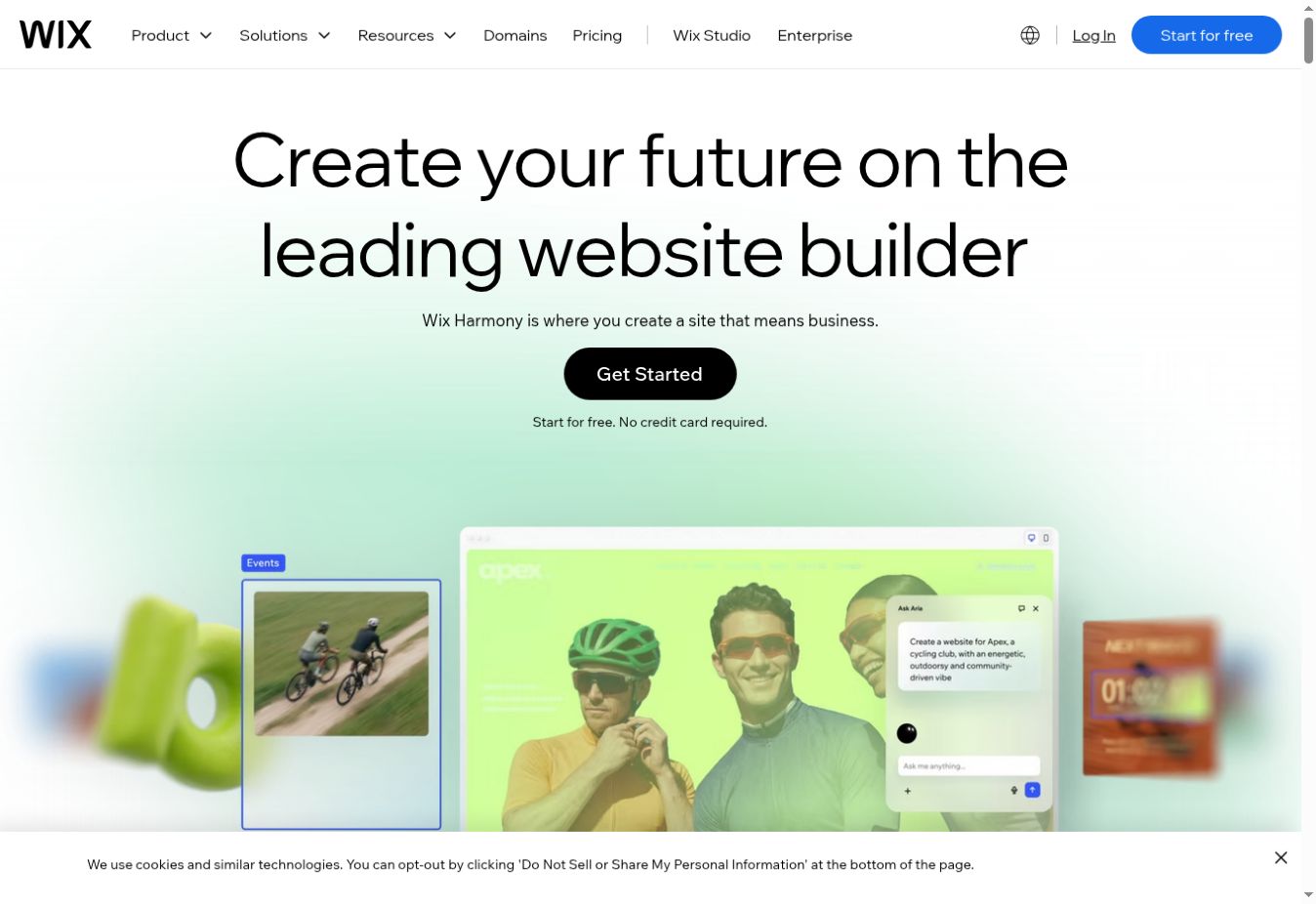
Wix’s AI-assisted workflow can generate an initial site from a description of the business and its goals. This is useful for overcoming the blank-page problem, but generated text and images still need human review. Replace generic claims, verify every fact, remove unnecessary sections, and make sure the final website reflects the real business.
AI is most valuable as a structured first draft. It does not replace decisions about the audience, offer, navigation, proof, privacy, accessibility, or which action a visitor should take.
Wix free plan vs paid plans
Names, prices, taxes, limits, and promotions differ by region and change over time. Check the checkout total and renewal terms for your country.
STRENGTHS
What Wix does well
- Approachable setup without coding
- More design freedom than many beginner builders
- Broad templates and business features
- Free option for meaningful testing
- Room to add bookings, ecommerce, marketing, and integrations
LIMITATIONS
What to consider first
- The editor can feel busy to a first-time user
- Free sites use provider branding and an assigned address
- Premium apps can increase the total cost
- Moving a complete site to another platform may require rebuilding
- A general-purpose builder may not suit complex retail or highly custom systems
Wix ecommerce
Wix supports products, services, memberships, and other selling models through its business tools. It is a strong fit when ecommerce is part of a broader site that also needs content, bookings, a portfolio, events, or lead generation.
Before choosing it for a store, verify that the required payment method works in your country and that the plan supports your catalog, currencies, shipping, tax, subscriptions, and sales channels. For a larger commerce-first business, compare Wix with Shopify in our guide to the best ecommerce website builders for beginners.
Wix SEO: can it rank on Google?
Wix provides technical foundations and tools for common SEO work, including editable page titles, descriptions, URLs, redirects, structured data controls, sitemaps, image text, and integrations. These features remove an old reason some publishers avoided hosted builders.
No platform guarantees rankings. You still need a clear site structure, useful original content, pages that satisfy search intent, descriptive internal links, credible external references, fast media, and authority earned over time. Avoid publishing many thin AI-generated pages merely because the editor makes creation easy.
Performance, security, and maintenance
Wix manages hosting, platform updates, SSL, infrastructure, and security monitoring, which reduces routine technical work for beginners. Real page performance still depends on design choices. Large images, video backgrounds, excessive animations, third-party apps, and crowded pages can slow the experience.
Compress media, limit decorative effects, remove unused apps, and measure important pages after publishing. Keep account security strong with a unique password and available multi-factor authentication.
Wix alternatives
Choose Hostinger when you want a simpler, value-focused builder and hosting package. Read our Hostinger review. Choose Squarespace when polished design guardrails matter more than free-form editing. Choose Shopify for a commerce-first operation; our Shopify review explains its costs and trade-offs. Choose WordPress when deep extensibility and ownership of the technical stack justify more maintenance.
For a broader comparison, see the easiest website builders for beginners. If you are still testing without a budget, start with our guide to the best free website builders for beginners.
How to test Wix before paying
- Build one real page.Use your actual offer, images, navigation, and contact action—not only demo content.
- Test mobile editing.Check headings, buttons, menus, forms, images, and spacing on a narrow screen.
- Add the key business feature.Try a booking, product, blog post, event, or form that represents the site’s main job.
- Review SEO settings.Edit the title, description, URL, heading structure, image text, and internal links.
- Calculate the total cost.Include the plan, renewal, domain, email, apps, payment fees, and any paid template or service.
COMMON QUESTIONS
Wix FAQ
Is Wix good for beginners?
Yes. Wix combines templates, AI-assisted creation, visual editing, hosting, security, and business tools in one platform. Its large number of choices can take time to learn, but beginners do not need to write code.
Is Wix really free?
Wix lets users start and publish with a free option, but the site uses Wix branding and a Wix-provided address. Connecting a custom domain and unlocking additional business features requires an eligible paid plan.
Can Wix websites rank on Google?
Wix provides technical SEO foundations and editable SEO settings. Rankings still depend on useful content, search intent, internal links, external authority, performance, and competition—not the builder alone.
Is Wix good for ecommerce?
Wix can suit small and medium stores, especially when content and design are as important as selling. Shopify may be a better fit when complex retail operations and a large commerce ecosystem are the priority.
Can I move a Wix website to another platform?
You can move your domain and manually transfer content, but a Wix site normally cannot be exported as a complete working website to another builder. Consider migration effort before building a large site.
What is the best Wix alternative?
Hostinger is a simpler value-focused option, Squarespace suits design-led sites, Shopify is stronger for commerce-first businesses, and WordPress offers deeper control when you are willing to manage more technical work.
FINAL VERDICT
A strong first website builder with room to grow
Wix is easy to recommend to beginners who want a professional website without managing hosting or code. Its main advantage is the breadth of design and business tools; its main drawback is that those choices can add complexity and cost. Start free, build a realistic sample, and upgrade only after confirming the exact features your site needs.
Published and reviewed September 14, 2026 · Sources: Wix’s official product, plan, ecommerce, SEO, hosting, and security information. Features and offers can change. Read how Smart Tool Reviews evaluates services.