ECOMMERCE WEBSITE BUILDER GUIDE
5 best ecommerce website builders for beginners in 2026
The easiest way to launch an online store is to choose a hosted platform that manages the editor, hosting, security, product pages, checkout, and routine updates. We compare five beginner-friendly ecommerce builders by setup, selling tools, costs, design, and their ability to support a growing business.
THE SHORT ANSWER
Which ecommerce builder should a beginner choose?
Choose Shopify if selling products is the business’s central purpose and you expect to grow. Choose Wix if you need a flexible business website with content, bookings, or a smaller store. Choose Squarespace for a visual brand, Hostinger for a simple affordable start, or Square Online if you already use Square for in-person payments.
Best ecommerce website builders compared
Plans, trials, payment options, and fees vary by country and can change. Confirm current terms and locally supported payment methods before subscribing.
How we evaluated beginner ecommerce platforms
A store builder is not genuinely easy if publishing the homepage is simple but fulfilling an order is confusing. We considered the entire basic selling workflow: adding products, organizing the catalog, accepting payment, managing orders, calculating shipping, editing the storefront, and finding help.
Store setup
Guided onboarding, templates, product entry, navigation, and the amount of technical configuration required.
Selling tools
Products, variants, inventory, discounts, checkout, payments, shipping, taxes, and sales-channel options.
Daily management
How clearly a beginner can handle orders, customer details, fulfillment, returns, and routine updates.
Cost and growth
The plan, payment fees, apps, themes, limits, and whether the platform can support the next stage of the business.
1. BEST OVERALL
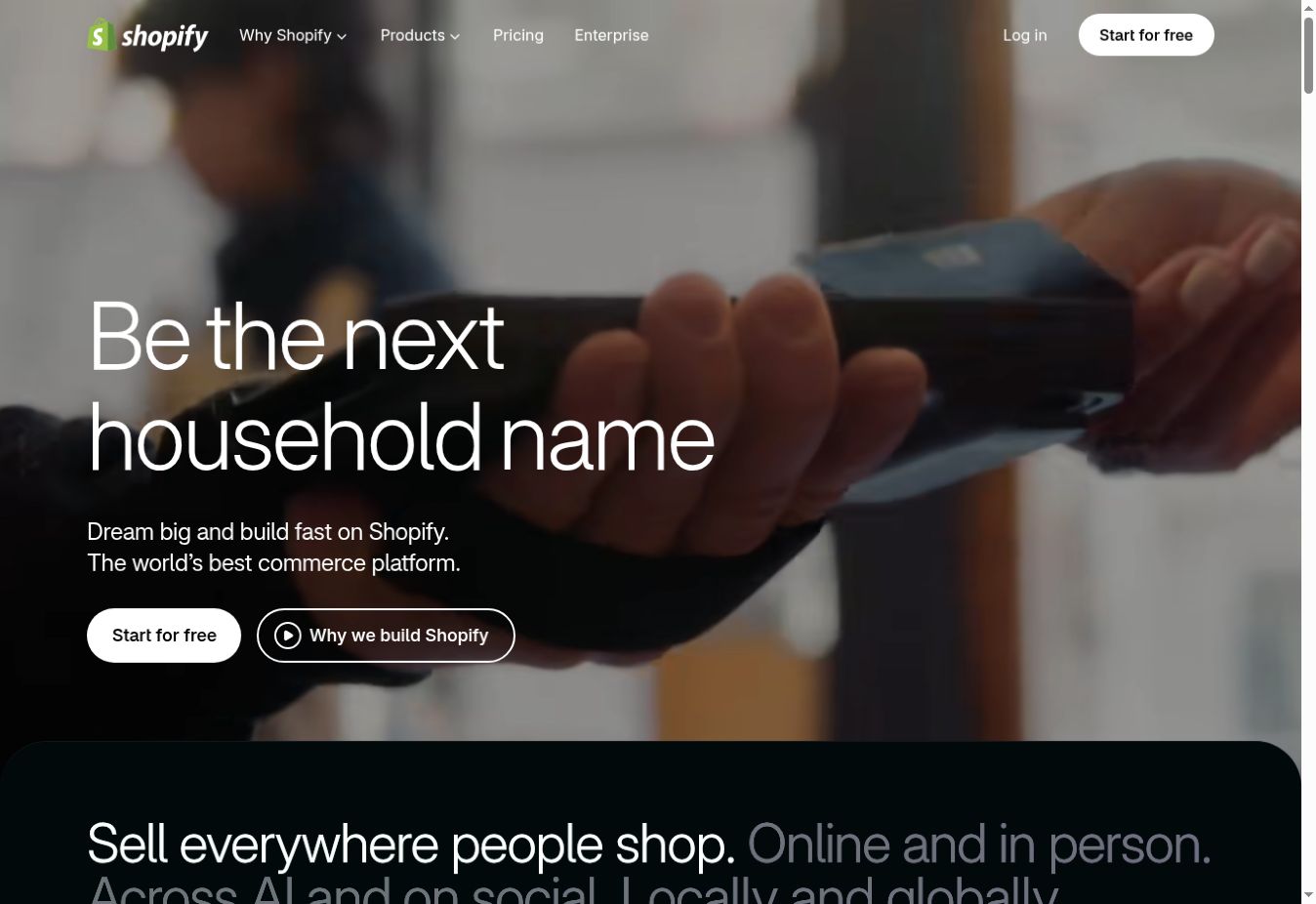
Shopify: best for building a serious online store
Shopify is our first recommendation when ecommerce is the main business rather than one feature on a broader website. The administration area is organized around products, inventory, orders, customers, discounts, shipping, payments, and sales channels. That focus helps beginners learn one coherent retail workflow.
The theme editor makes it possible to build the storefront without coding, and the app ecosystem provides many ways to expand. However, apps are not automatically good value. Several recurring subscriptions can make a seemingly affordable store expensive, so begin with core features and add an app only when it solves a measured need.
- Best for: product businesses that expect their catalog, sales, or channels to grow
- Beginner advantage: store management and order workflows are central to the platform
- Check first: plan price, payment availability, transaction costs, theme costs, and required apps
Read our complete Shopify review for plans, payment fees, apps, SEO, and operating costs.
2. BEST FOR A WEBSITE WITH A STORE
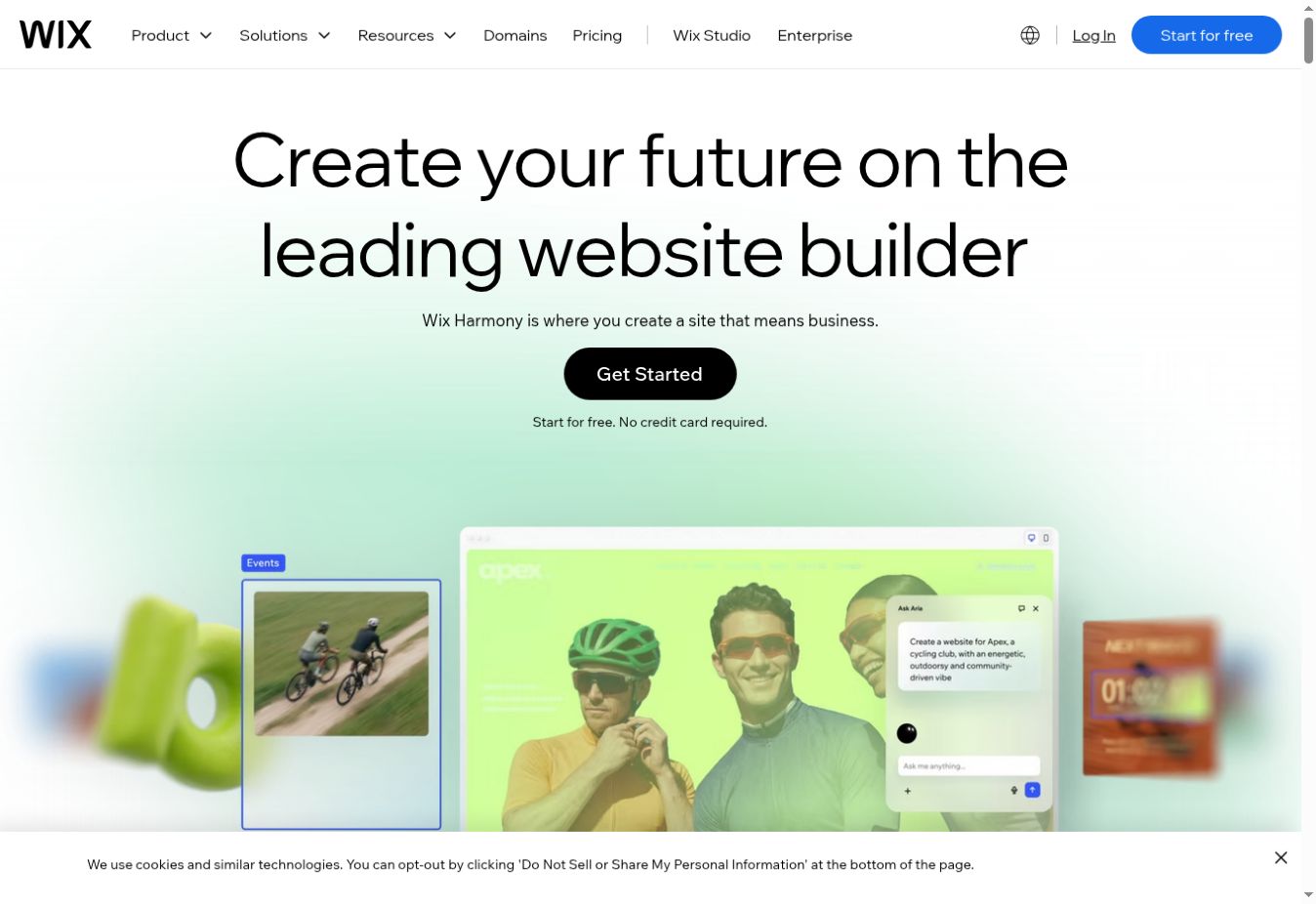
Wix: flexible design and approachable selling tools
Wix is a strong choice when the website must do more than display a product catalog. A service business might need detailed pages, a blog, appointments, events, forms, or a portfolio alongside ecommerce. Wix provides more general design freedom than a commerce-first platform and supports visual editing without code.
This flexibility creates more decisions. Beginners need to keep layouts consistent and avoid adding features simply because they are available. Wix is best for a smaller or medium catalog when content and presentation matter as much as complex inventory operations.
- Best for: content-rich businesses, small catalogs, bookings, and service-plus-product models
- Beginner advantage: templates, visual editing, and broad business functionality
- Check first: the plan required to accept payments and the cost of premium apps
Read our detailed Wix review for the editor, plans, SEO, and ecommerce considerations.
3. BEST FOR VISUAL BRANDS
Squarespace: polished storefronts with useful design guardrails

Squarespace suits creators and design-led businesses that want products to sit inside a polished editorial website. Its templates and structured editor make it easier to maintain consistent typography, spacing, imagery, and page composition without making every design decision manually.
It works well for smaller catalogs, subscriptions, services, and brands whose story and photography help sell the product. A retailer needing advanced inventory workflows, a very large app ecosystem, or complex multichannel operations may find a commerce-first platform more suitable.
- Best for: artists, photographers, creators, premium services, and curated catalogs
- Beginner advantage: polished templates and controlled page layouts
- Check first: commerce features by plan, transaction fees, payment support, and operational limits
4. BEST AFFORDABLE ALL-IN-ONE
Hostinger: a simple starting point for a first small store

Hostinger combines the website builder, hosting, SSL, domain management, and support in one account. Its guided and AI-assisted setup can reduce the initial work for a beginner launching a small catalog, while visual editing handles normal page changes.
The attraction is simplicity and introductory value, but a low headline price should not decide the purchase. Calculate the full billing term and renewal cost, then verify the number of products, locally supported payment methods, shipping settings, integrations, and whether the store can grow without a disruptive migration.
- Best for: simple first stores and small businesses that value one-account setup
- Beginner advantage: fewer separate hosting and website decisions
- Check first: ecommerce limits, total term cost, renewal price, and regional features
Read our complete Hostinger review for a closer look at its setup, hosting, and renewal considerations.
5. BEST FOR SQUARE USERS
Square Online: connect online and in-person selling
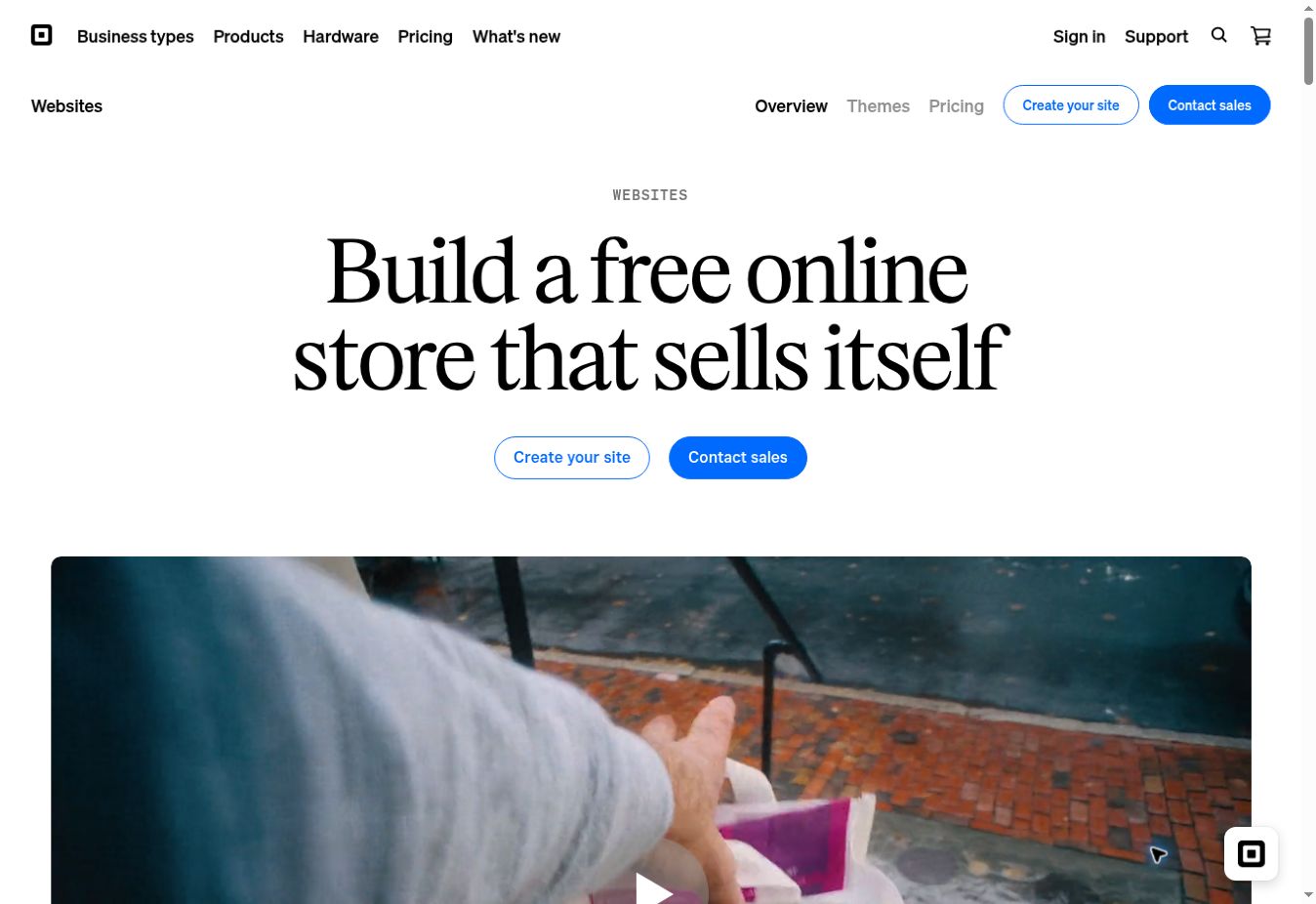
Square Online is most compelling for a business already using Square for payments or point of sale. Keeping online products, orders, and in-person operations in one ecosystem can be simpler than connecting unrelated services. It can fit local retail, restaurants, appointments, pickup, and smaller catalogs.
If you do not already use Square, compare its website flexibility, payment availability, fees, and required features with Wix and Shopify. The platform’s strongest advantage comes from the surrounding Square ecosystem, not from being the most customizable standalone website builder.
What beginners often underestimate
A builder can simplify the technology, but it cannot create a viable store by itself. Before launch, prepare clear product titles, original photos, useful descriptions, prices, inventory rules, shipping areas, delivery times, returns, privacy terms, contact information, and a customer-support process.
Payment availability is particularly important. A platform may advertise many gateways globally while only a subset works for your country, currency, legal structure, and bank account. Verify this before designing the full store. Also test checkout on a phone, order notifications, refunds, tax settings, and fulfillment with a low-value test order.
How much does an ecommerce website really cost?
The builder subscription is only one part of the cost. A realistic comparison includes the domain, email, payment-processing charges, additional transaction fees where applicable, paid themes, apps, product photography, shipping software, accounting tools, marketing, and the time required to manage the store.
Do not choose automatically based on the cheapest first month. A more expensive platform can be better value if it replaces several paid tools or reduces manual work. A cheap builder can become costly if you must rebuild the store elsewhere after reaching an important limit.
Shopify vs Wix for beginners
Choose Shopify when the product catalog, checkout, inventory, orders, and retail growth are the center of the business. Choose Wix when content, services, appointments, visual freedom, or general business pages matter as much as ecommerce.
Neither is universally easier. Shopify presents a more focused selling workflow; Wix presents more website-design possibilities. Build a sample product, collection, shipping rule, and test page in both trials before choosing.
Steps to choose your first store builder
- Define what you will sell.List product types, variants, catalog size, subscriptions, downloads, bookings, and expected order volume.
- Verify payments in your country.Confirm supported gateways, currencies, business requirements, processing fees, and payout methods.
- Map fulfillment.Document shipping areas, rates, pickup, inventory, suppliers, returns, and customer notifications.
- Build a realistic trial store.Add actual products and test mobile browsing, checkout settings, discounts, and order handling.
- Calculate the first-year total.Include the plan, domain, email, themes, apps, fees, and the cost of any required external services.
Do you need ecommerce yet?
If you only want to present a service or validate an idea, a normal website builder may be simpler than a complete store. Our guide to the easiest website builders for beginners compares general-purpose options. If you are still experimenting without a budget, review the best free website builders for beginners and understand their limits before investing time.
COMMON QUESTIONS
Ecommerce website builder FAQ
What is the best ecommerce website builder for beginners?
Shopify is the best overall choice for beginners who intend to build a serious product business. Wix is a better fit when a normal business website, blog, or service content is as important as the store.
Can I build an online store without coding?
Yes. Each platform in this guide provides templates and visual editing. You still need to prepare products, policies, payments, shipping, taxes, and customer-support processes.
Can I start an ecommerce website for free?
Some platforms offer trials or limited free options, but accepting payments usually creates transaction, processing, or plan costs. Evaluate the complete cost of operating the store, not only the site-builder subscription.
Is Shopify or Wix easier for a beginner?
Both are approachable. Shopify keeps the workflow centered on products, orders, and selling. Wix offers more freedom for general pages and design but presents more choices in the editor.
Which builder is best for a small product catalog?
Wix, Squarespace, and Hostinger can fit a smaller catalog when ease and presentation matter more than advanced retail operations. Shopify becomes more compelling as product, channel, inventory, and app requirements grow.
What costs should I check before choosing?
Check the subscription after any introductory period, payment-processing and transaction fees, domain and email costs, paid themes, apps, shipping tools, taxes, currency support, and the cost of upgrading as sales grow.
FINAL VERDICT
Choose for the business you are building—not the first template
Shopify is the best ecommerce website builder for most beginners planning a serious product business. Wix offers the strongest balance when content and general website design matter equally. Squarespace fits visual brands, Hostinger offers a simple value-focused start, and Square Online makes sense for sellers already using Square.
Published September 14, 2026 · Sources checked: official Shopify, Wix, Squarespace, Hostinger, and Square product pages. Plans, fees, and features can change. Read how Smart Tool Reviews evaluates services.