DESIGN TOOL COMPARISON
Canva vs Adobe Express for Social Media Creators
Choosing between Canva and Adobe Express is a workflow decision: where will you build a repeatable design, adapt it for another channel, get feedback, and publish it? A large template selection helps, but it does not settle whether your free account can schedule a post or your collaborator can export the finished file.
This comparison draws on official product, help, pricing, terms, and privacy pages checked on October 8, 2026. We did not run logged-in editor tests, export sample files, or measure design speed. The recommendations below are our analysis of the documented features.
Quick Answer
Start with Canva if you want a template-led workspace or already have reusable layouts there. Try Adobe Express first if free scheduling matters, or if your content starts in Photoshop or Illustrator. Check whether an existing Adobe subscription includes Express Premium before paying separately.
Both offer free plans. Canva’s Content Planner and automatic multi-format design resizing are Pro features. Adobe Express includes scheduling on Free, with one connected account per social network; Premium raises that to three. Express’s image-resize Quick action is different from the Premium Resize feature for complete designs.
Canva vs Adobe Express: the workflow comparison
| Decision | Canva | Adobe Express |
|---|---|---|
| Social layouts | Templates for posts, Stories, Reels, thumbnails, and other social formats; check each design for paid content. | Free editing and assets, alongside Premium templates and content; check the asset’s current status. |
| Brand setup | Free lists one limited Brand Kit with three colors. Pro adds more complete branding tools and five Brand Kits. | Premium includes brand kits. We could not verify a precise Free brand-kit entitlement from the opened pricing page. |
| Adapting a complete design | Magic Resize/Magic Switch belongs to Pro; inspect the resulting layout. | Complete-design, video, and template Resize belongs to Premium. The image Quick action changes image dimensions. |
| Scheduling | Content Planner belongs to Pro. Confirm your exact network, account type, and post format. | Free: one account per social network. Premium: three per network. Confirm publishing support for your post format. |
| Feedback and handoff | Real-time collaboration, comments, and edit/view access; business administration and approvals depend on plan. | Edit/comment collaboration; a Free collaborator cannot export a file containing Premium assets or fonts. |
| Export checks | Common image, document, and video formats; paid assets and some export controls can require payment or an upgrade. | Available formats include JPEG, PNG, PDF, and GIF. Check content licensing and the intended export before committing. |
Feature sources: Canva pricing, Canva social tools, Adobe Express pricing, and Adobe’s collaboration guidance.
Where the free plans change the choice
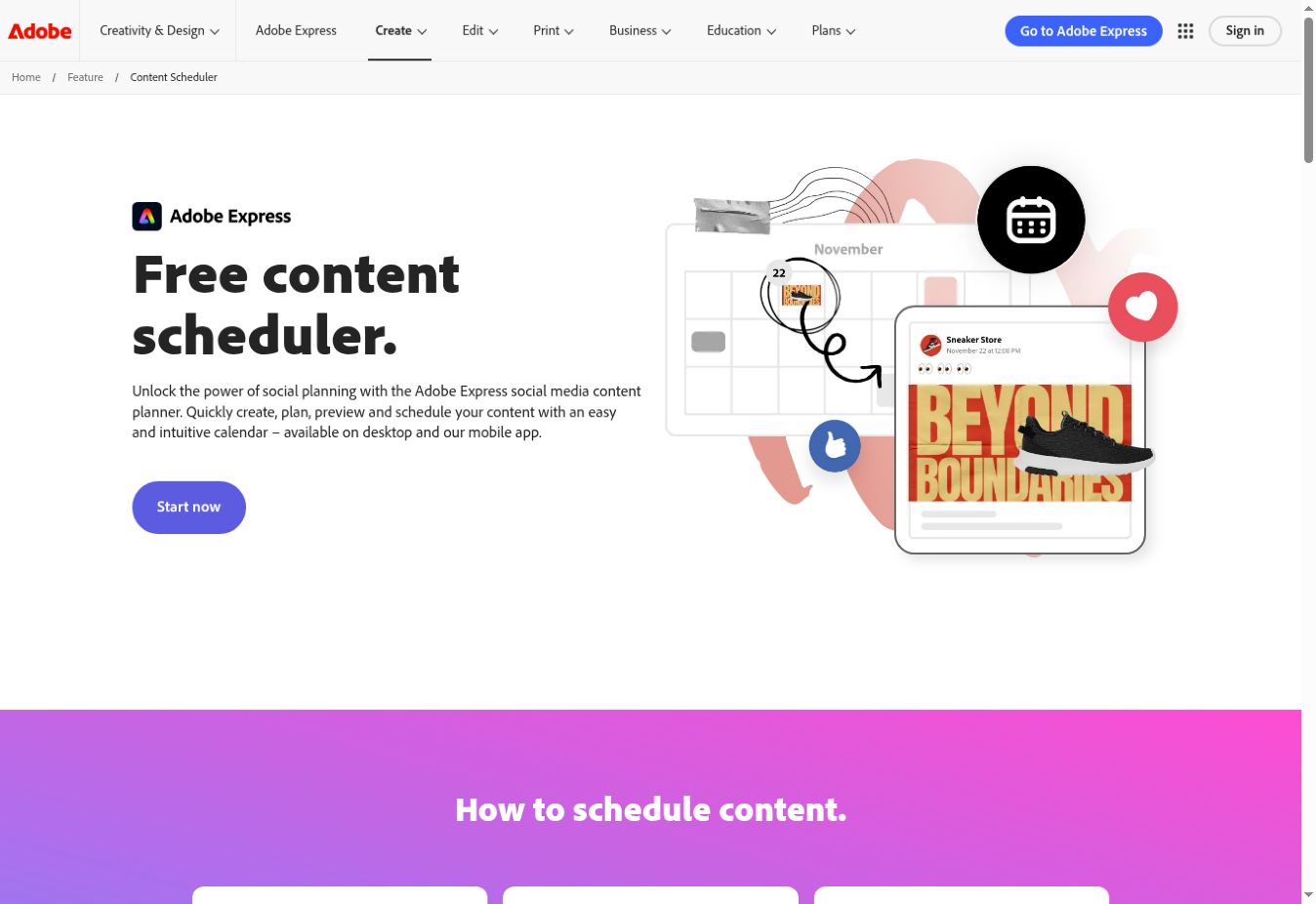
Adobe Express Free has a practical advantage for someone who needs to design and schedule without a subscription. Its Free plan guidance confirms one connected account per network. That is useful for a solo creator, but two accounts on the same network create a different requirement.
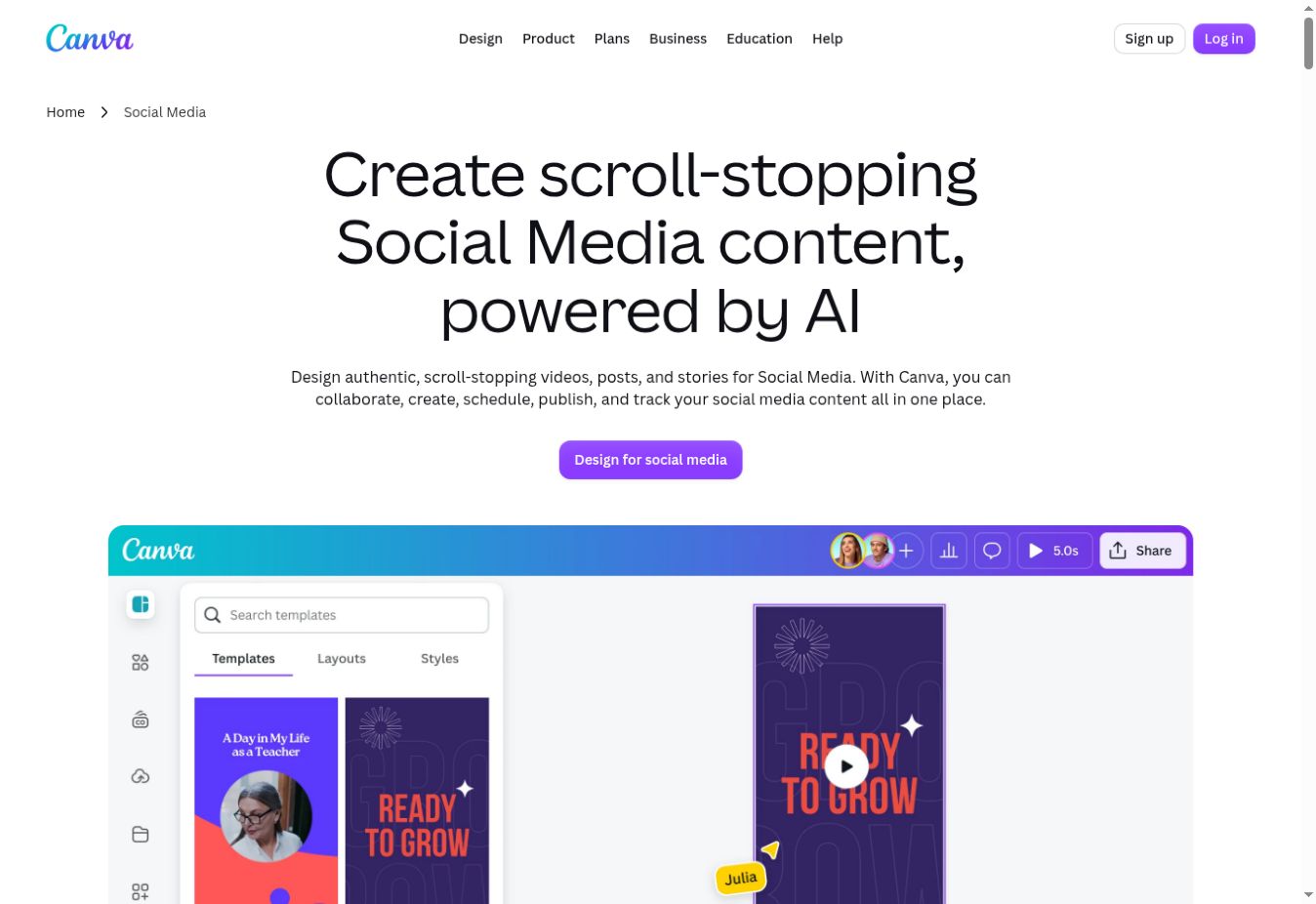
Canva Free can still suit a creator who designs in batches and publishes manually. Its current pricing page lists a limited three-color Brand Kit, so calling Free completely devoid of branding would be inaccurate. More extensive brand controls, resizing, and scheduling are reasons to consider Pro. Our Canva Free vs Pro comparison covers that separate upgrade decision.
In both tools, a free account is different from a paid-plan trial. Check a design’s content before investing in a whole series: Canva premium assets can trigger licensing payment or an upgrade, and Adobe says some Stock assets can move from free to paid. The Canva paid-element guide helps with the first check.
Templates, branding, and resizing
Canva is a sensible starting point when your reusable layouts already live there. A familiar approved layout can matter more than switching to another tool’s template catalog. Keep your recurring content types organized, then decide whether paid resizing and brand tools solve a recurring problem. Our reusable social template guide explains that setup.
Express has a useful connection to Adobe source assets, with a tradeoff. According to Adobe’s Photoshop and Illustrator guidance, a linked flattened image can sync changes, but its individual elements are not editable in Express. Converting the file enables editable elements but breaks the original link and may change typography or layer fidelity. Linked assets also require the relevant Photoshop or Illustrator membership.
For either tool, automatic resizing is a starting point. Inspect the headline, image crop, margins, and call to action in each format. Adobe’s image-resize Quick action changes an image’s dimensions; it is not equivalent to adapting an entire editable social design with Premium Resize.
A hypothetical workshop campaign
Imagine a solo creator announcing a weekend photography workshop. They need a square feed post, a vertical Story, and a Pinterest graphic. A collaborator must approve the date and booking copy. This is a planning example, not a campaign we executed.
With Canva, the creator could start from an existing workshop layout, replace the photo and text, invite copy feedback, and make separate versions. A Free workflow means manually preparing the dimensions and publishing outside Content Planner. Pro would add automatic resizing and scheduling, subject to the relevant publishing restrictions.
With Express, the creator could choose Free content, build the three layouts, and evaluate Free scheduling for one account on each required network. Complete-design resizing would require Premium. If the creator uses Premium fonts or assets, the Free collaborator can comment but cannot export that Premium-containing file.
The decision follows the bottleneck. With no budget and a scheduling requirement, evaluate Express first. With established Canva templates and manual publishing that already works, keeping Canva may be more practical. If a designer supplies Photoshop or Illustrator assets, inspect Express’s linked-versus-editable options before choosing the handoff.
Collaboration and exports: check the last step first
Do a small export check before building a month of content. For Canva, verify paid elements and whether you need a control such as transparent PNG. Our Canva export guide explains common format choices.
For Express, check the collaborator’s plan as well as your own. An invitation does not transfer Premium licensing rights. Adobe’s collaboration help explicitly limits what Free collaborators can adjust, license, and export. Decide who will produce the final files before sending a client the template.
Scheduling also needs a format check. A supported network does not establish that every account type, carousel, Story, or video can publish automatically. We did not verify a Canva connected-account cap; compare your exact requirements instead of relying on a platform-count claim.
Pricing, trials, and cancellation
Compare the current offer in your billing region. Our opened Adobe pricing page used Swiss francs, while Canva’s used US dollars, so a numerical price winner would be misleading. Consider monthly versus annual billing, taxes, individual versus team licenses, and additional seats.
Adobe’s opened individual Premium offer advertised a 30-day trial that becomes paid unless cancelled; Canva’s trial eligibility and duration depend on the offer. Both renew automatically. Adobe lists qualifying subscriptions that include Premium, including Creative Cloud Standard and Pro and many single-app plans, with exceptions.
Canva’s terms say cancellation takes effect at the billing cycle’s end and paid fees ordinarily are not refunded except where law requires. Adobe’s cancellation guidance makes refunds dependent on timing and plan; most plans offer a full refund within 14 days of initial purchase. Store-billed subscriptions use the store’s cancellation process. Check your actual checkout terms, especially for annual commitments.
Client work and privacy
Review permissions and content-analysis settings before uploading unpublished client assets. Canva’s privacy policy describes content analysis and controls for AI training. Adobe’s content-analysis FAQ says it does not analyze user content to train generative AI unless submitted to Adobe Stock; that is narrower than a promise of no cloud processing. Adobe’s privacy policy covers wider data handling. These sources do not establish an overall privacy winner.
Which should you choose?
Choose Canva for a template-first workflow. Its strength is continuity across repeatable layouts, collaboration, and paid brand/repurposing tools. Its limitation for a budget creator is that scheduling and automatic design resizing require Pro. Read our Canva review for the broader product decision.
Choose Adobe Express when free scheduling or Adobe asset handoff is decisive. Its strengths are Free scheduling and documented Photoshop/Illustrator connections. Its limitations include Premium requirements for complete-design resizing, handoff fidelity tradeoffs, and Free collaborators’ Premium-export restrictions.
Start with one real content brief in Canva or Adobe Express. Check your required formats, final export, collaborator access, and scheduling support before choosing a paid plan.
Published and verified October 9, 2026 · Research-based comparison · Our editorial policy